

AI Cataloging Assistant
An AI Assistant That Catalogs, Audits and Reports — With You Approving Every Change
Draft records from an ISBN, score and track catalog health, bulk-edit safely and ask for a report in plain English. Live in Koha Cloud today — and something we can build into your own Koha.
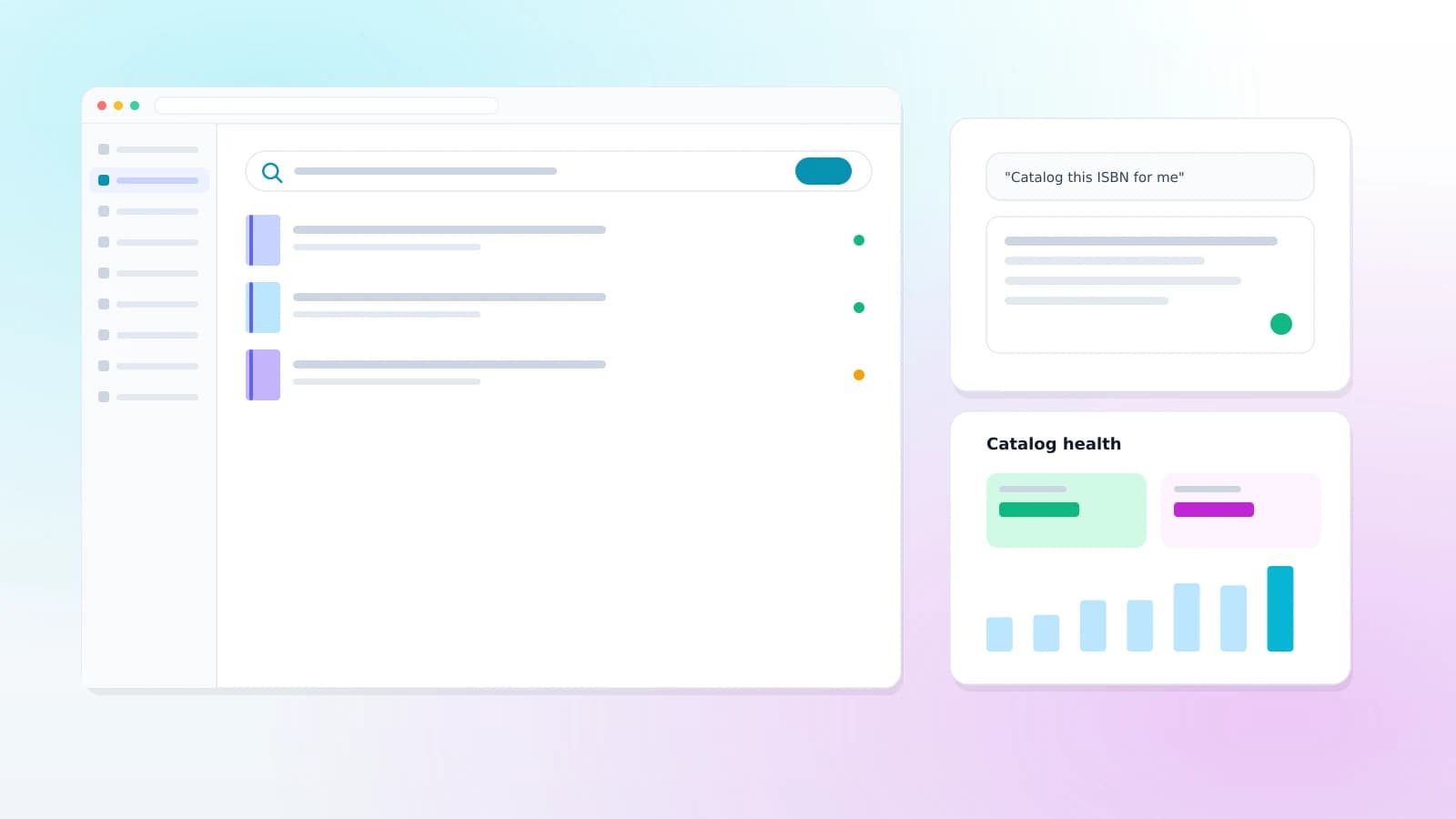
The thing to know first
The AI drafts. You decide.
Every write goes through the same three steps, with no shortcut around the middle one — which is exactly why it is safe to let staff use it on the real catalog.
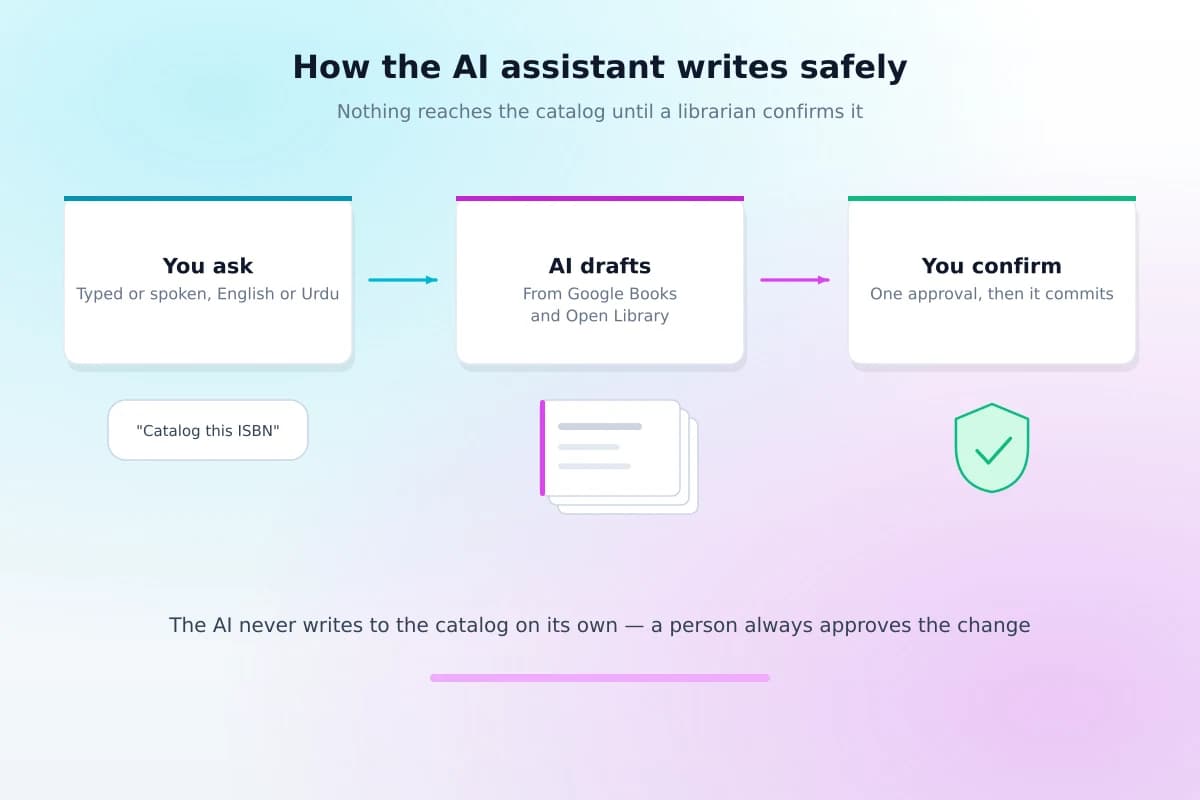
Ask it to catalog an ISBN, clean up a set of records, or answer a question about your collection, and it drafts an answer or a proposed change. A librarian reviews that proposal — and only a human confirmation commits it, as one transaction, attributed to them in the audit log the same way a manual edit is. There is no mode where it writes unattended.
That is also why it can be trusted with judgment calls a rule-based import cannot make: the assistant proposes, and the person who knows the collection decides.
Where this runs
Built into Koha Cloud — and buildable for your own Koha
This is not a bolt-on wired to any Koha over a protocol, the way RFID or SIP2 hardware is. It is part of the Koha Cloud platform itself.
Already on Koha Cloud?
It is already switched on for your library, the same way every other module is — nothing to install, gated by the same staff permissions as the rest of the panel.
About Koha CloudRunning your own Koha?
We will not pretend this ships for a self-hosted install today. What we can do is build the same kind of tooling — cataloging assist, health scoring, bulk editing — as a custom project scoped to your catalog, or help you move to Koha Cloud and have it out of the box.
What it actually does
Six things librarians use it for
Each one still ends with a person deciding — the assistant does the typing and the checking, not the judgment call.
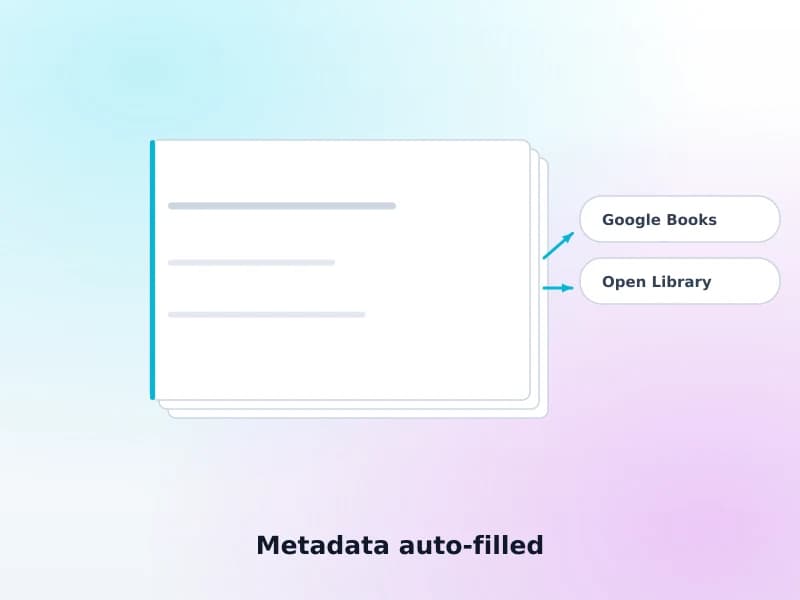
Metadata auto-filled
Give it an ISBN and it drafts the record from Google Books and Open Library — title, author, publisher, subjects. You review before anything commits.
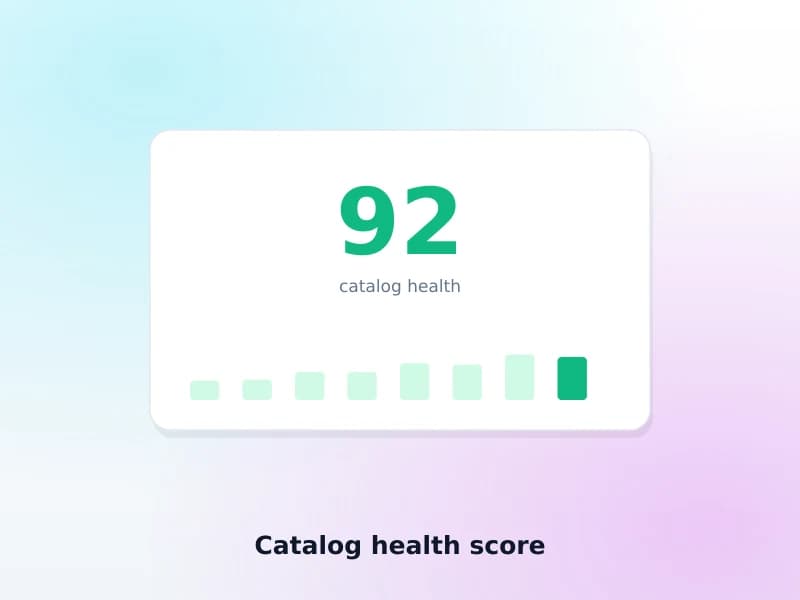
Catalog health score
Around three dozen checks rolled into one 0–100 score, with a trend over time — missing fields, likely duplicates, records with no usable subject.
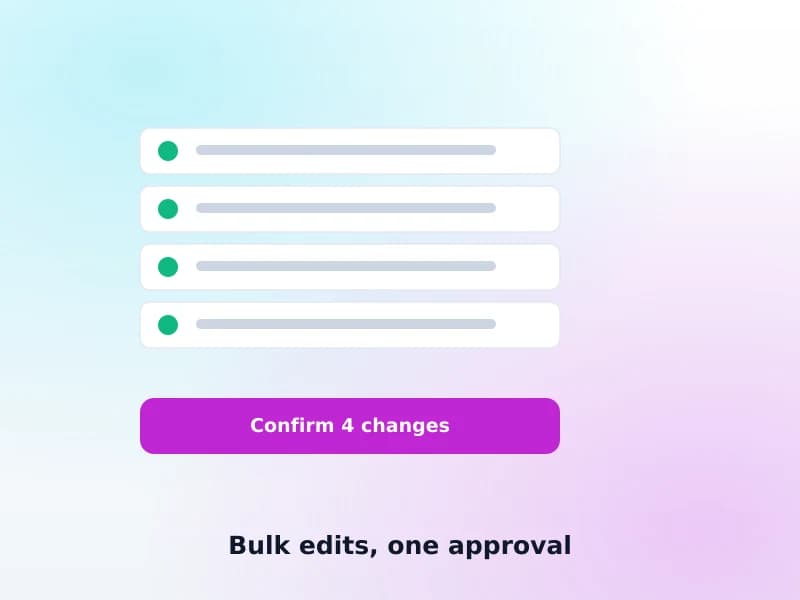
Bulk edits, one approval
Fix the same problem across many records or merge duplicates in one reviewed, all-or-nothing change — never applied halfway.
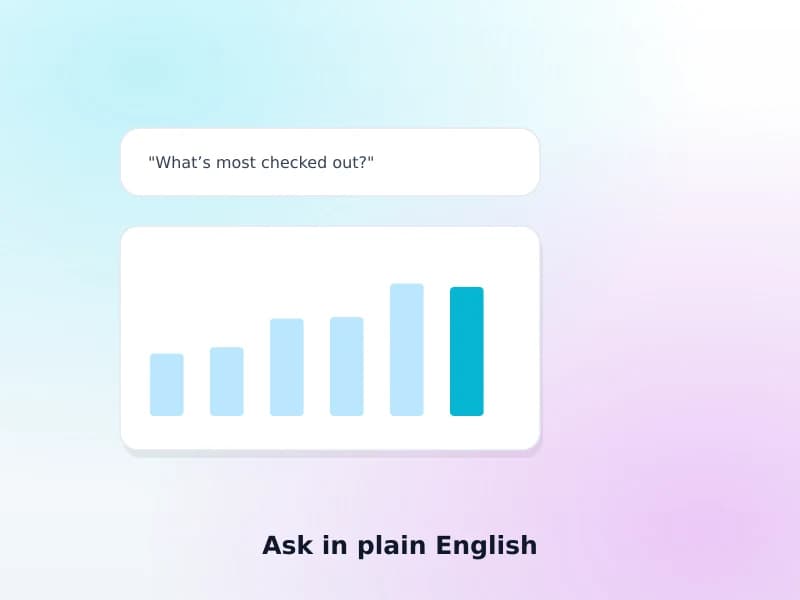
Ask in plain English
Most-borrowed titles, dormant stock, overdue summaries, branch comparisons — asked as a question, not built as a report query.
Speak in English or Urdu
Dictate to the assistant instead of typing — useful at a busy desk, or for staff more comfortable speaking than typing a long request.
Save the prompts you run often
A weekly report, a recurring cleanup check — save it once and run it again with one click instead of retyping it.
Available now
What ships today, and what does not
Said plainly, including the one thing it is easy to assume it does and does not.
- Cataloging assist with metadata auto-fillGoogle Books and Open Library today — we will not claim a source we have not built
- Catalog health scoring and audit40 checks, a 0–100 score, tracked over time
- AI-guided bulk editingPermissioned separately, transactional, one confirmation
- Natural-language reports27 canned reports, asked as a question
- Voice input to the AI chatEnglish or Urdu
- Saved, reusable prompts
- Suggested author marks and DDC numbersRule-based, following your library’s own convention — for one book or the whole catalog, confirmed by a librarian
- Metadata from WorldCatNot integrated — Google Books and Open Library only
It suggests classification — a librarian confirms it. The assistant finds every record missing an author mark or DDC number and can suggest the value, worked out from fixed cataloging rules and your library's own convention rather than guessed. Nothing is written until a librarian reviews the suggestion, and a number that would contradict a book's subject is left out instead of written.
What we can build for you
Tell us what your library needs next
Beyond what ships today, this is where a custom project starts — scoped to your catalog and your workflow, not a generic feature list.
- Biometric attendance — fingerprint, face, card or PINAlready built for our campus-management platform (ZKTeco, Hikvision, Suprema and WebAuthn kiosks) — we bring it to your library for staff or patron attendance
- Predictive acquisitions from hold-queue patternsOn our roadmap — tell us if your library wants it sooner
- Overdue prediction and proactive noticesRoadmap
- Reading recommendations for patronsRoadmap
- RFID + robotics for locating misplaced shelf itemsDesign-stage only today — a custom project, not a shipped feature
None of the items above are sold as already built. If one of them is what your library actually needs, ask us to scope it — that is a conversation, not a purchase off a menu.
An honest question
What the AI assistant will not do
Said here rather than left for a demo call to reveal.
It will not write unattended
Every write is a proposal until a librarian confirms it. If a workflow needs unattended writes, this is not that tool, on purpose.
It will not replace a cataloger's judgment
Classification, subject judgment calls and edge cases still need a person. It removes the typing and the finding, not the deciding.
It does not physically find misplaced books — yet
The AI + RFID + robotics idea for locating misplaced shelf items is a real thing we could build, and it is not live anywhere today. See it listed honestly above, not buried in a features page.
FAQ
What librarians ask
Does the AI write to our catalog by itself?
No. Every write goes through a propose-then-confirm step: the assistant drafts the change, a librarian reviews it, and only a human confirmation commits it — as one transaction, logged in your audit trail like any other edit. There is no mode in which it writes unattended.
Where does the auto-filled metadata actually come from?
Google Books and Open Library today. We are not going to claim sources we have not built — if a request needs a source we do not yet pull from, we will say so rather than imply it is already covered.
Does it assign author marks or call numbers for us?
It suggests them, and a librarian confirms. Ask about one book in the chat and it works out an author mark and a DDC number; across the whole catalog it can fill in missing author marks, correct ones that break your convention, add missing DDC numbers and repair malformed ones. The values come from fixed cataloging rules, your library’s own author-mark convention and how your already-classified books are numbered — not from an AI guess. Every batch is shown to you before anything changes, and a number that would contradict a book’s own subject is left out rather than written.
What does "catalog health" actually check?
Around three dozen checks — missing or malformed fields, likely duplicates, incomplete records, items with no usable subject or classification — rolled into a single 0–100 score with a trend over time, so you can see whether a cleanup pass is actually working rather than guessing.
Can it fix problems across many records at once?
Yes, for the kinds of fixes that are genuinely mechanical once someone has decided the rule — a bulk edit or a duplicate merge still goes through the same propose-then-confirm step, is permissioned separately from ordinary chat use, and commits as one all-or-nothing transaction rather than partially applying.
Do we still need someone who can write SQL to get a report?
No — that is the point of it. Ask a question in plain English (most-borrowed titles, dormant stock, overdue summary, branch comparison and more) and it runs the report against your own data. Koha does ship a guided report wizard, and it is genuinely useful — but it still asks you to pick the tables, columns and conditions, and anything it does not cover means writing SQL. Asking a question skips that step entirely.
Is this the RFID/robotics "find misplaced books" system?
Not yet — that is a capability we can build for a library that wants it, not something shipped today. What is live now is the cataloging assistant, catalog health scoring, bulk editing, natural-language reports, voice input and saved prompts described on this page. Ask us if you want the shelf-finding project scoped.
Related reading
The detail
Koha and MARC21: a cataloger’s guide to fields and frameworks
The fields the assistant is filling in, and what a well-formed record is supposed to contain.
Read the guideKoha data migration: how to move from your old ILS
Where a catalog’s quality problems usually come from in the first place.
Read the guideOther services
Get a quote
Talk to us about AI for your library
Tell us whether you are already on Koha Cloud or running your own Koha, and what you would want the assistant to do.