

OPAC themes
Koha OPAC Themes — A Catalog That Looks Like Your Institution
Branded, responsive and accessible — and built so the next Koha upgrade does not quietly undo it.
Why it matters more than it looks like it should
The catalog is the library, to most patrons
Most people who use your library never speak to anyone in it. The catalog is the whole institution as far as they are concerned.
“Our catalog looks nothing like the rest of the university site.”
“It is unusable on a phone, and that is where students search.”
“Someone styled it years ago and the upgrade wiped it.”
“Our accessibility audit flagged the catalog.”
A default catalog is not broken, it is anonymous — and an anonymous catalog quietly teaches students that the library is a separate, older thing bolted onto the side of the university. That is a positioning problem solved with design, not software.
It is also where accessibility either passes or fails, and where a phone-shaped screen either works or does not. Those are the two things an audit and a student notice first.
What changes
One catalog, your brand
The structure stays what librarians and patrons already know. The look, the language and the way it is laid out become yours.
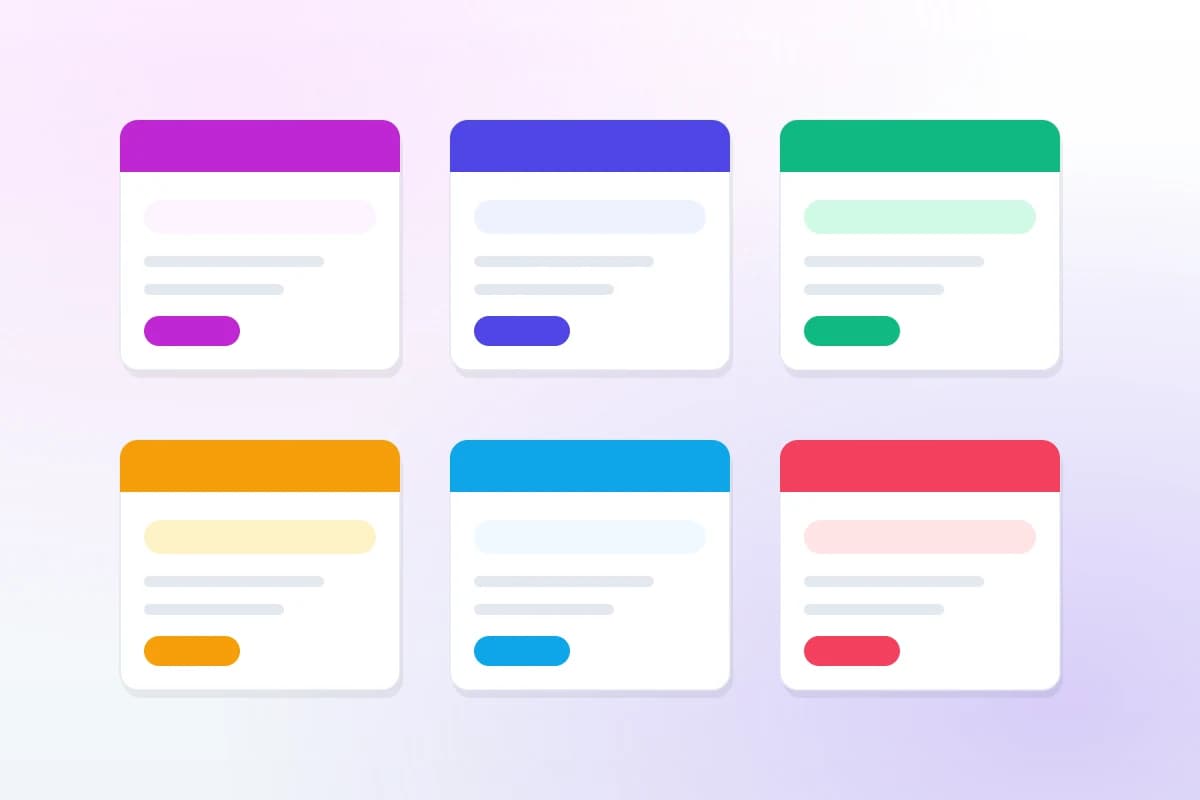
An illustration of the range, not a set of templates to pick from — every theme is built to one institution’s brand rather than chosen from a catalogue of six.
What is included
What a theme covers
Items marked with a dash are deliberately out of scope. Saying so up front is what prevents the argument later.
- Your logo, colours and typographyBuilt to your brand guide, not approximated from a screenshot
- A catalog homepage that says somethingRather than an empty search box on a grey page
- Header, footer and navigationIncluding links back to the institution’s own site
- Search results and record pages styled through
- Responsive layoutsTested at phone, tablet and desktop widths
- Accessibility passContrast, focus order, labels, and a screen-reader run
- Implemented upgrade-safe wherever possiblePreferences and OPACUserCSS before templates
- Staff-editable contentHours, notices and pages, without coming back to us
- Documentation of what was changed and where
- Workflow, framework and report changesThat is customization — a different service, with its own page
- A new institutional websiteCustom Website Solutions covers that, and it is a different product
How we build it
Three things that are not negotiable
Each of these costs us time, which is the only reason it is worth writing down.
Phone first, because patrons are
For most libraries the majority of catalog searches now arrive from a phone. A theme that is designed at desktop width and shrunk is a theme that is wrong for most of its users, so layouts are built and tested the other way round.
Accessible, and checked rather than claimed
Contrast ratios, keyboard focus order, form labels and headings that make sense read aloud. For many institutions this is a legal requirement; for everyone else it is simply a catalog more people can use.
Built where an upgrade cannot reach it
Preferences and OPACUserCSS first, templates only when something genuinely cannot be done otherwise — and we tell you which parts are which, so you know what will need re-checking later.
Where the boundary is
Themes are appearance. Customization is behaviour.
They are usually bought together and they are genuinely different jobs, so they are quoted separately.
This page
Logo, colours, typography, layout, the homepage, navigation, responsiveness and accessibility. Everything a patron sees and nothing about what the system does.
Customization
Circulation rules, MARC frameworks, custom patron and item fields, saved reports, and how a record itself is displayed. The behaviour behind the appearance.
Koha customizationNeed a website as well as a catalog? That is a different product — Custom Website Solutions builds the institutional site, and the two can be designed together so they match.
FAQ
What libraries ask about themes
Will a theme survive our next Koha upgrade?
That depends entirely on how it is built, and it is the question to ask any supplier. A theme implemented through OPACUserCSS and the preference-driven zones survives an upgrade untouched. One built by editing templates has to be re-checked every time. We build the first kind unless something genuinely cannot be done that way, and we say which is which before quoting.
Can staff change things afterwards, or do we come back to you?
Content — opening hours, notices, the pages listed in the navigation — is editable by library staff without us. The design itself is set once and rarely changes, which is the point of a theme. Nothing is locked; you get what was built and how it was built.
Does it work on phones?
Yes, and it is not an afterthought — for most libraries the majority of catalog searches now come from a phone. Layouts are tested at phone, tablet and desktop widths, and against a screen reader, because an accessible catalog is a legal requirement for many institutions and simply better for everyone else.
Can you match our institution’s brand guidelines?
That is the usual brief. Send the brand guide — colours, typography, logo files and spacing rules — and the catalog is built to it rather than approximated from a screenshot of your website. Where a guideline would harm legibility or contrast we will say so and propose the nearest compliant version.
Do we need to host with you to have a theme?
No. A theme can be applied to a Koha you host yourself, and you keep it if you later move. Hosting with us changes one thing: we carry the re-check at each upgrade rather than handing it to you as a task.
Related reading
Before you commission anything
Koha customization, and the upgrade trap
Where a change lives decides what every future upgrade costs — the argument behind how we build themes.
Read the guideKoha on a phone
What patrons actually do on a mobile catalog, and what that means for the layout.
Read the guideUnion catalogs
One catalog, several libraries — and how branding works when the members are not identical.
Read the guideOther services
Get a quote
Get a theme quote
Send your brand guide, or just a link to your institution’s website. We reply with a quote and a realistic timeline.