

RFID
Koha RFID Integration — Make Your Hardware Work With Your Catalog
Tags, pads, gates and self-check — connected to your catalog and tested, whichever brand you bought.
The thing to know first
Koha does not talk to RFID hardware directly
This surprises most people evaluating RFID, and it changes what you are actually buying. There are three layers, and the middle one is where every real integration problem lives.
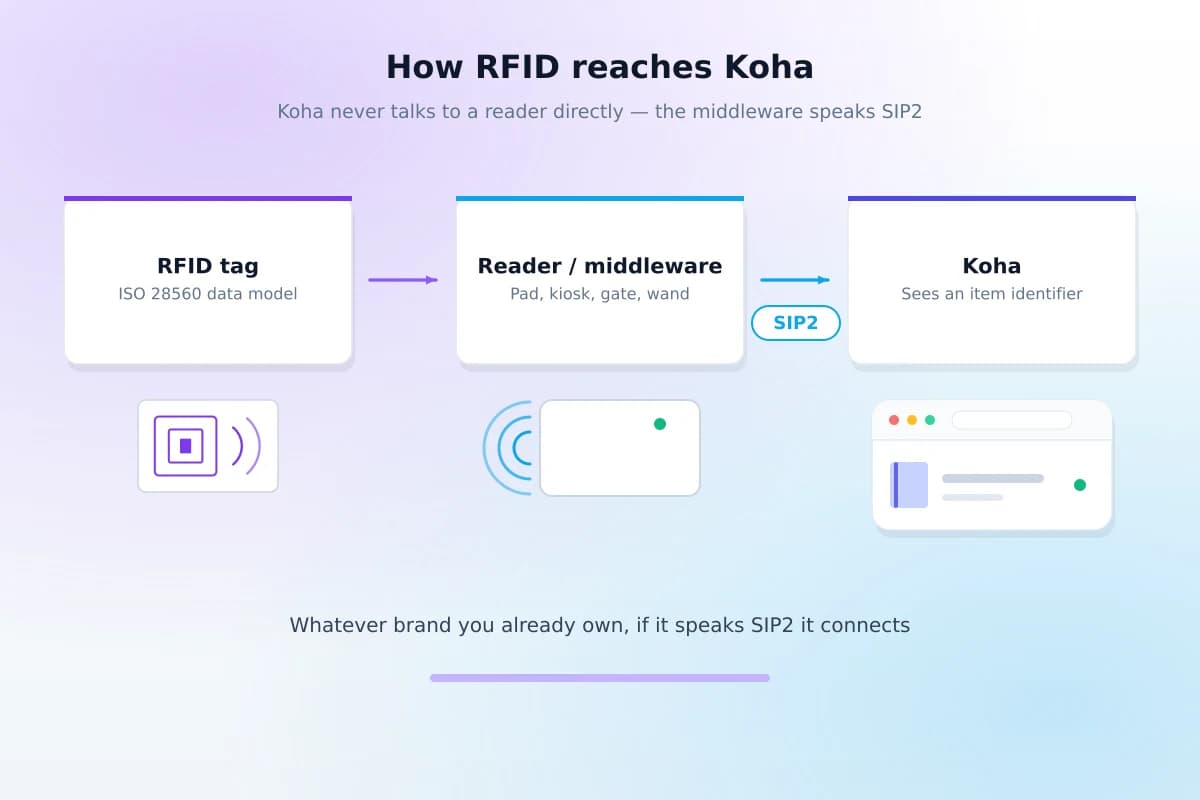
The tag on the book holds an item identifier. The reader — a desk pad, a kiosk, a gate, a wand — picks that up over radio and hands it to middleware. The middleware talks to Koha over SIP2, an industry protocol that has been the standard for self-service library hardware for decades. Koha itself never knows the item arrived by radio; it sees an identifier, the same as it would from a barcode scanner.
That is good news, and it is why this page can promise what it does: because the interface is a documented standard rather than a vendor's private protocol, the question is never "is our hardware compatible?" It is "is the SIP2 side configured properly and safely?" — which is work, but it is known work.
Whatever you already own
If it speaks SIP2, we connect it
Hardware from the major library suppliers speaks SIP2, so equipment you have already paid for does not become a reason to stay on the system you have.
Listed as hardware that speaks SIP2 — not as partnerships. We hold no vendor certifications and do not claim any. What we can tell you is that the protocol is public and these systems implement it.
SIP2 is also how self-check units connect, and it is one of several systems a library usually wants joined up — single sign-on, payments, e-resources and the rest have their own page.
Devices
What we integrate
Each of these connects the same way and each needs its own account, its own permissions and its own testing round.
Staff circulation pads
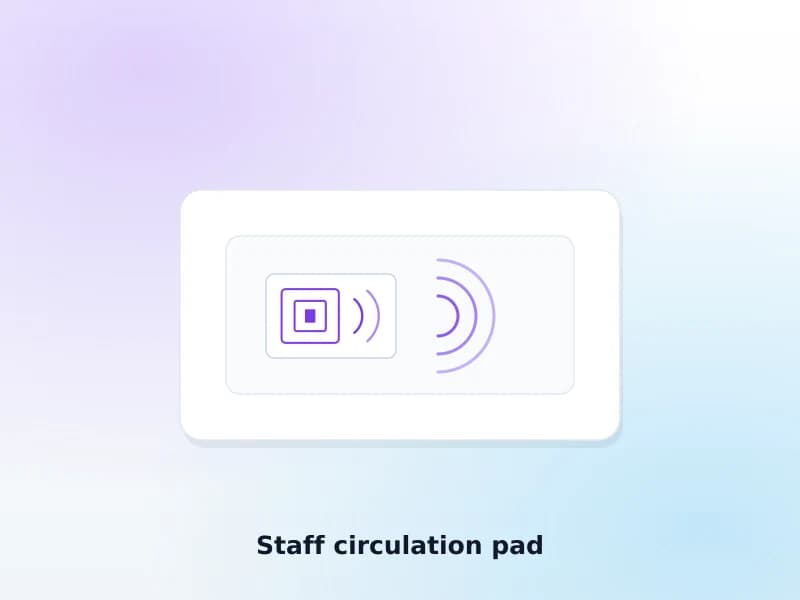
Read a stack of items at once at the desk. The fastest single improvement for a busy issue counter, and usually the first device a library connects.
Self-check kiosks
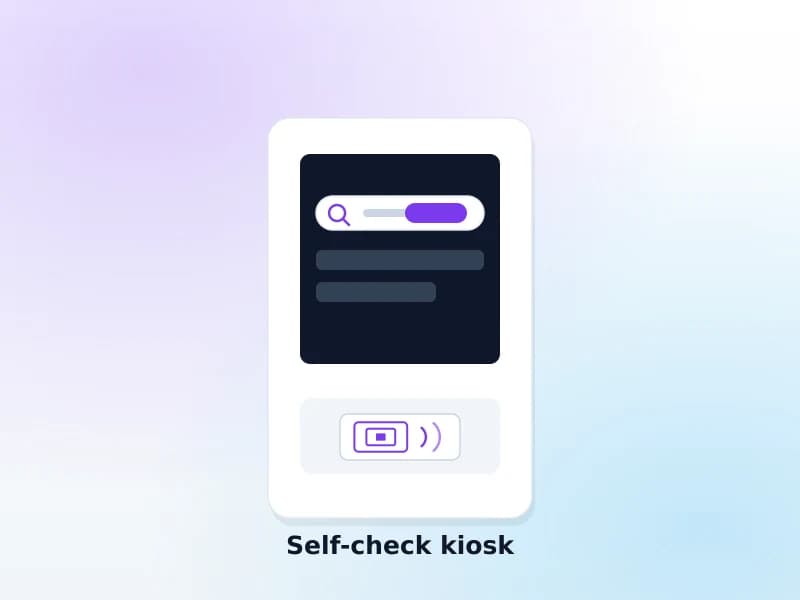
Patrons borrow and return without queueing. Connects over SIP2 with its own account, so every transaction is attributable to the kiosk.
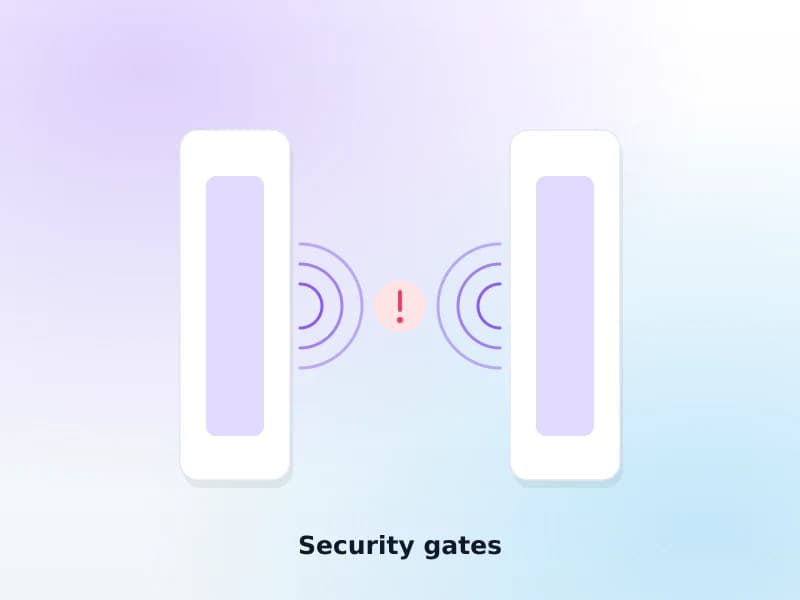
Security gates
Alarm on an item that has not been checked out. Configured against the tag security bit, and tested with real items rather than assumed to work.
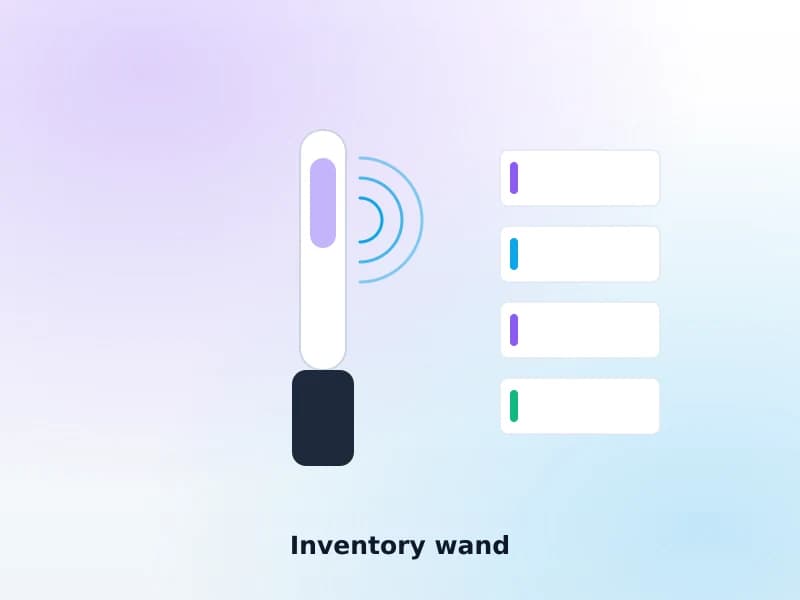
Inventory wands
Walk the shelves and reconcile against holdings. This is where the payback usually is, and it is rarely the reason people buy.
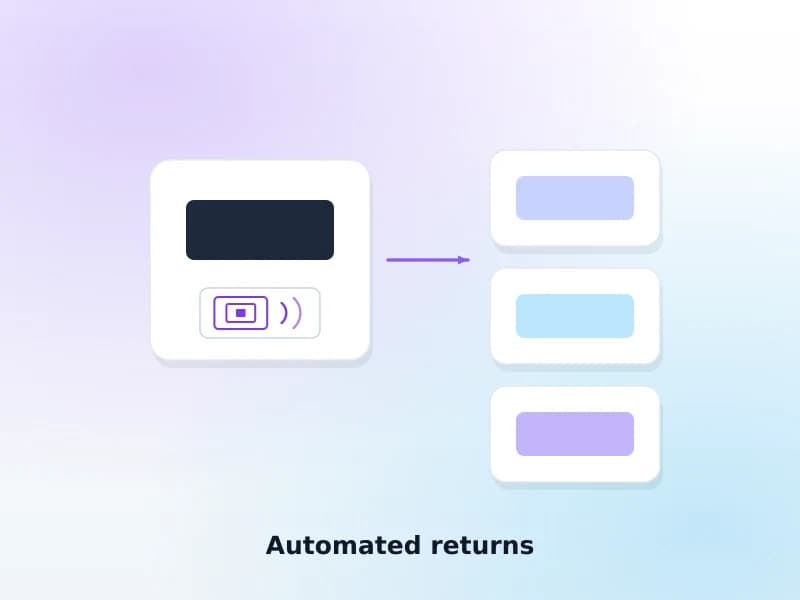
Automated returns and sorters
Check items in on drop and route them to the right bin or branch. Worth it above a certain daily return volume, and not before.
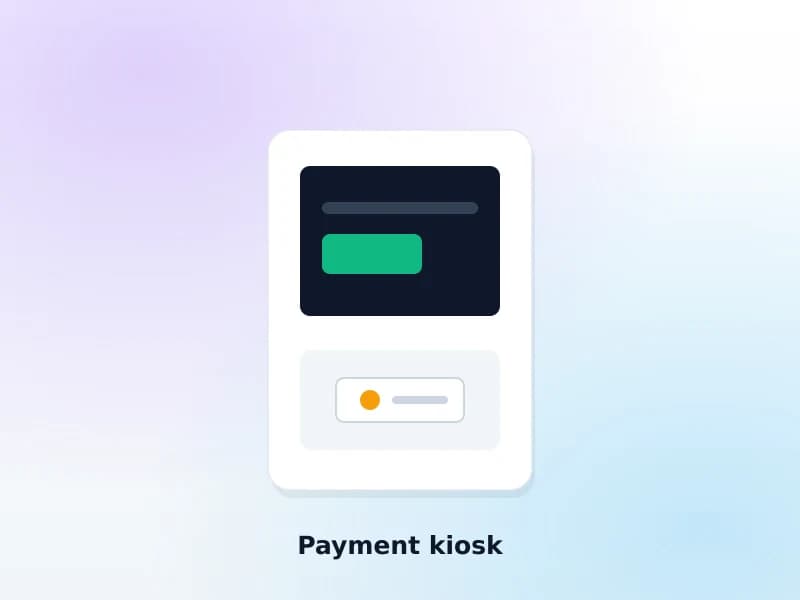
Payment kiosks
Patrons settle fines without staff involvement. Balances stay in Koha, so the desk and the kiosk never disagree about what is owed.
The full project
Where an integrator differs from a reseller
A supplier sells you equipment and leaves. Most of the work that decides whether RFID succeeds happens after the boxes arrive.
- Tagging plan and phasing for an existing collectionWhich shelves first, and how the library keeps lending throughout
- Tag data model — ISO 28560The decision that determines whether you can ever change supplier
- SIP2 configuration with a dedicated account per deviceSo a misbehaving kiosk is identifiable and revocable on its own
- Network security — VPN or private VLANSIP2 is plaintext and is never exposed to the internet
- Per-device testing with real itemsIncluding the failure cases: untagged item, wrong patron, item on hold
- Circulation rules reviewed for self-serviceWhat a kiosk may and may not do without a staff override
- Staff training on the new desk workflow
- Hardware supplyWe integrate what you buy — we are not a reseller
- Physical installation of gates and furnitureYour supplier or contractor does this; we connect it
SIP2 is plaintext and carries patron identifiers. It was designed for a closed network and it has no encryption of its own. It belongs behind a VPN or on a private VLAN, with one account per device, never on a port open to the internet. This is not optional and it is the first thing we check on an existing installation.
The part people underestimate
Tagging an existing collection
Every RFID project runs on this, and every unrealistic RFID plan comes from guessing at it.
- Roughly 150–250 items per person per hour once someone is practised — slower for the first day, slower again for anything oversized, boxed or already mis-shelved.
- Do the maths before committing to a date: 50,000 items is on the order of 250 person-hours, which is one person for six weeks or six people for a week.
- Phase it shelf by shelf so the library stays open. A part-tagged collection works fine — the desk simply falls back to the barcode for anything untagged.
- Keep the barcodes. They stay on the item as the fallback, they are what your inventory history is keyed to, and removing them buys nothing.
- Tag as you go for new acquisitions from day one, so the backlog stops growing while you work through it.

An honest question
Do you actually need RFID?
Sometimes the answer is no, and it is better to hear it here than three months into a procurement.
Below a certain volume, it does not pay back
RFID is a capital purchase justified by staff time saved and queues removed. A library issuing a few dozen items a day does not have enough of either to recover the cost, however good the technology is.
A good barcode workflow beats bad RFID
A well-configured desk with a decent scanner and sensible circulation rules is fast. Half-deployed RFID — some items tagged, gates that alarm on the wrong things — is slower than what it replaced and erodes staff trust in the whole project.
There is a much cheaper option first
Circulation from a phone camera needs no scanner per station and no tags at all. For a smaller library it removes most of the same friction for a fraction of the cost — worth ruling out before you spend.
Read about mobile circulationRecommending against the expensive option when it does not fit is what makes the recommendation worth something when it does.
Where the payback usually is
Inventory, not the issue desk
Most libraries buy RFID for the counter and end up valuing it most for the shelves.
A full stocktake with barcodes means taking every item off the shelf and scanning it one at a time, which is why most libraries do it rarely, partially, or never. With a wand it is a walk down the aisle, and the result reconciles against your holdings automatically: what is missing, what is mis-shelved, what is marked on loan but is sitting on the shelf, and what is on the shelf but was written off three years ago.
Libraries that could not previously face an annual inventory start doing one a term. That is usually the durable benefit — and it is rarely the one in the business case.
Timeline
Survey, plan, tag, integrate, test, go live
| Library | Typical timeline | Notes |
|---|---|---|
| Self-check only, collection already tagged | 1–2 weeks | Configuration and testing |
| Desk pads and gates, small collection to tag | 4–8 weeks | Tagging dominates the schedule |
| Full deployment, 50,000 items to tag | 3–5 months | Phased shelf by shelf, library stays open |
| Multi-branch rollout | 6–12 months | One branch proves the pattern, the rest follow faster |
FAQ
What committees ask
Will our existing RFID hardware work with Koha?
Almost certainly, if it speaks SIP2 — and equipment from the major library suppliers does, because SIP2 is the protocol the industry standardised on. That is the point of the standard: your hardware does not need a bespoke integration project, it needs a correctly configured SIP2 account.
Do we need to re-tag our whole collection?
Only if it is not tagged today. If it already carries RFID tags, we read what is on them and work with your existing data model rather than replacing it. Where re-tagging is genuinely necessary — usually a proprietary encoding that locks you to one supplier — we will say so and explain what it buys you.
HF or UHF — which should we choose?
HF (13.56 MHz, ISO 15693) is what most libraries run and what most library hardware is built for: short read range, reliable at a desk, well supported. UHF reads further and faster, which helps shelf inventory and hurts precision at a counter. If you are starting from nothing and buying a full suite, this is a conversation to have before you order — not after.
Can you supply the hardware, or only integrate it?
We integrate. We do not sell tags, pads, gates or kiosks, and we take no commission from anyone who does. That means the advice about what to buy is not shaped by what we would earn on it — but it also means you procure the equipment yourself, and we will happily review a quote before you sign it.
Is SIP2 secure?
On its own, no — SIP2 is a plaintext protocol from an era that assumed a closed network, and it carries patron identifiers. It must never be exposed to the internet. We put it inside a VPN or a private VLAN, give every device its own account rather than a shared one, and restrict each account to the operations that device actually performs. Any integrator who does not raise this unprompted is one to be careful with.
What if we only want self-check, not gates?
That is a completely reasonable place to stop, and it is the part with the clearest return. Gates address theft; self-check addresses queues. Plenty of libraries only ever need the second.
Can we phase it in one branch at a time?
Yes, and for a multi-branch library it is the better plan. The first branch is slower because it is where the decisions get made; the ones after it move considerably faster because the pattern is settled.
Related reading
The technical detail
How RFID works with Koha
The full technical explanation of the three layers, tag data models and what SIP2 does.
Read the guideSIP2 explained
The protocol every piece of self-service library hardware speaks, and how to configure it safely.
Read the guideCirculation from a phone camera
The cheaper alternative worth ruling out before you spend on RFID at all.
Read the guideOther services
Get a quote
Get an RFID integration quote
Tell us what hardware you have or are considering and how large the collection is. If you have a supplier quote, we will read it before you sign.