

Migration
Koha Migration Services — Move Your Library Without Losing Anything
Your records, your patrons, your loan history — moved, checked and reconciled before you go live.
The thing actually stopping you
“We have twenty years of cataloging in this system.”
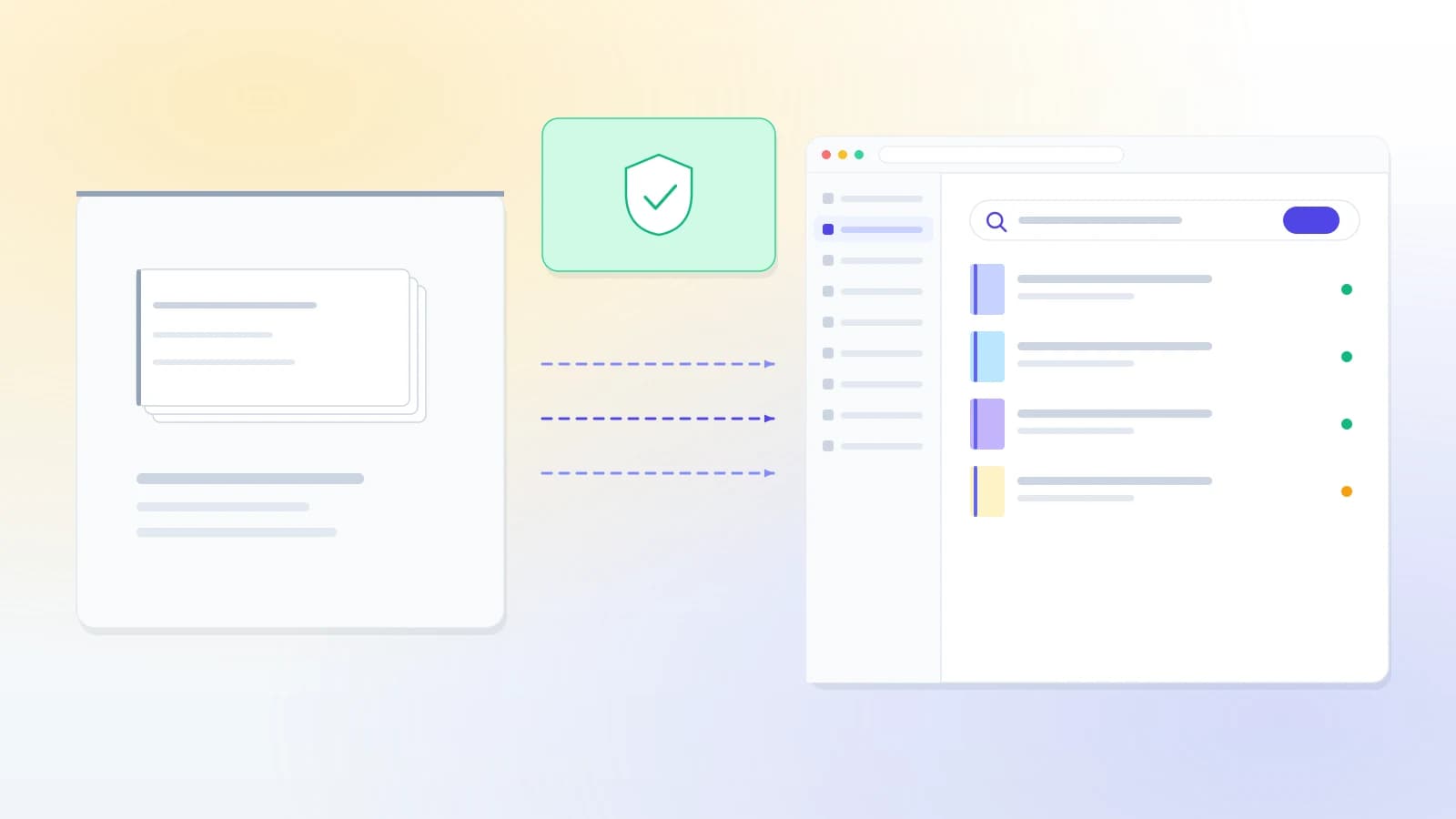
Almost every library we speak to has already decided Koha is the right system. What stops them is not the software — it is the thought of what happens to two decades of work in the four hours between the old system going off and the new one coming on.
So here is the honest version. We do not promise zero data loss; nobody who has done this can. We promise a migration that is validated, reconciled, and accompanied by a written list of everything that could not be moved cleanly — handed to you before go-live rather than discovered afterwards.
What moves
Every category, honestly labelled
Three outcomes, not one. Being clear that some things are rebuilt rather than moved is what makes the rest of this table worth believing.
| Data | Outcome | What that means |
|---|---|---|
| Bibliographic records | Moves cleanly | MARC21 in ISO 2709 or MARCXML, field for field |
| Holdings and items | Moves cleanly | Barcodes, call numbers, locations, status |
| Patrons | Moves cleanly | Including categories, expiry dates and contact details |
| Active loans | Moves cleanly | Due dates preserved, so nothing becomes overdue on day one |
| Holds and reservations | Needs mapping | Queue position survives; suspension rules differ by system |
| Fines and payments | Needs mapping | Outstanding balances move; historic payment types get mapped |
| Circulation history | Needs mapping | Moves where the source keeps it — some systems purge it |
| Authority records | Needs mapping | Cleanly where they exist as records, rebuilt where they were free text |
| Serials and subscriptions | Needs mapping | Patterns usually need re-stating; back issues move |
| Acquisitions and orders | Usually rebuilt | Open orders are re-entered; closed history is archived, not migrated |
| Saved reports and custom queries | Usually rebuilt | The SQL is system-specific — we rewrite the ones you use |
| Staff permissions | Usually rebuilt | Koha's model differs; we map roles rather than rows |
Where from
Migrating to Koha from another ILS
If yours is not listed, it is still very likely fine. What matters is whether it can export — and almost everything can.
Sierra / Millennium
Full export path; large academic collections are routine
Alma
Records and holdings via standard export; the analytics do not come with you
Destiny
Common for school and college libraries
LibSys
Long-lived installations, often with cataloging conventions worth preserving
SLIM
Straightforward once the item data is normalised
An older Koha
The easiest case — same schema, so almost everything is one-to-one
Excel or CSV
Very common, and completely workable. We map the columns for you
A card catalog
Yes, genuinely. It becomes a data-entry and copy-cataloging project
The last two are worth saying plainly, because libraries in that position often assume nobody will take them seriously: a spreadsheet is a legitimate source of data, and a card catalog is a legitimate starting point. Both are common and both are workable.
How it works
Six steps, and nothing irreversible until the last one
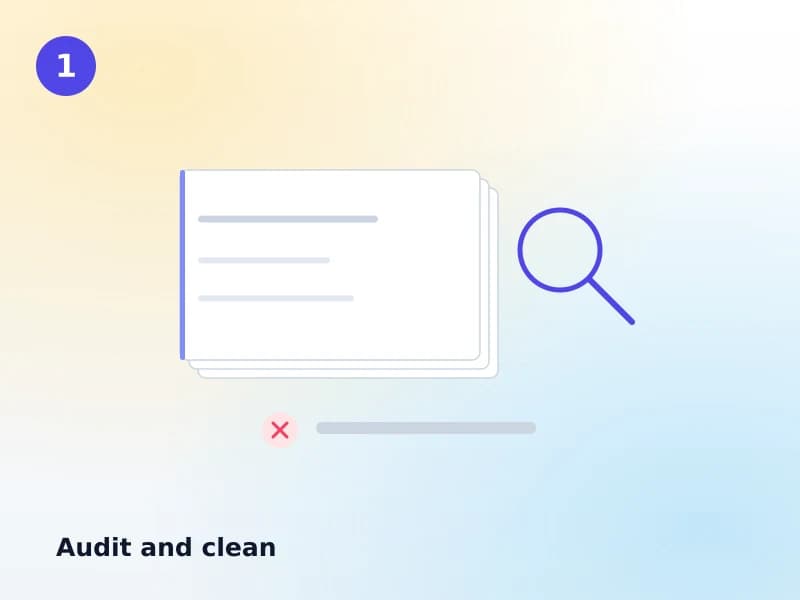
Audit and clean
We look at what you actually have before anyone exports anything: duplicate records, items with no barcode, patrons with no category, dates in three different formats. You get a list. Some of it is worth fixing at source and some is not — we tell you which.
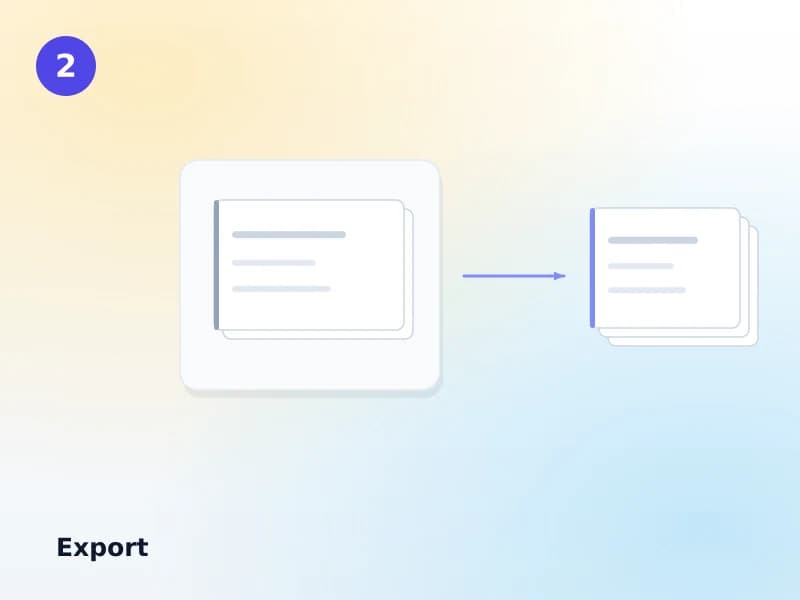
Export
From your current system, in whatever it can produce — MARC, CSV, a database dump, or a spreadsheet somebody has been maintaining by hand. Your old system keeps running throughout.
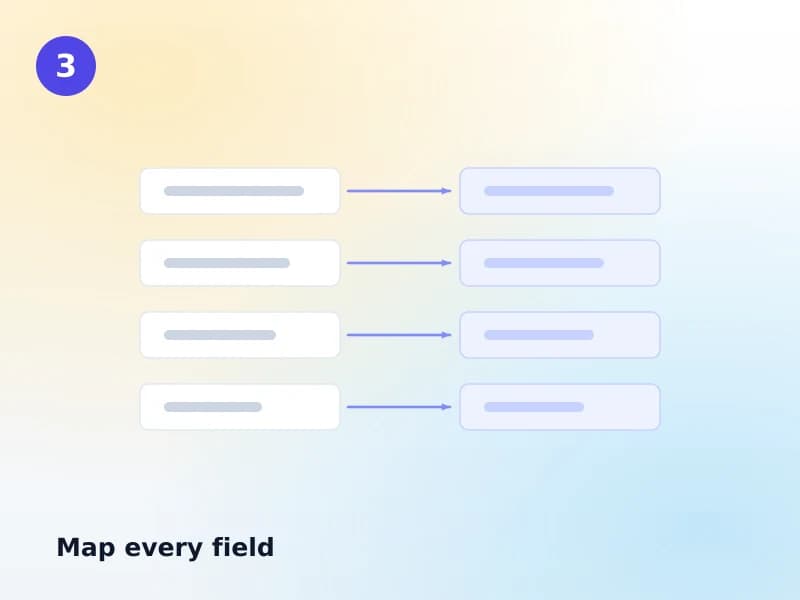
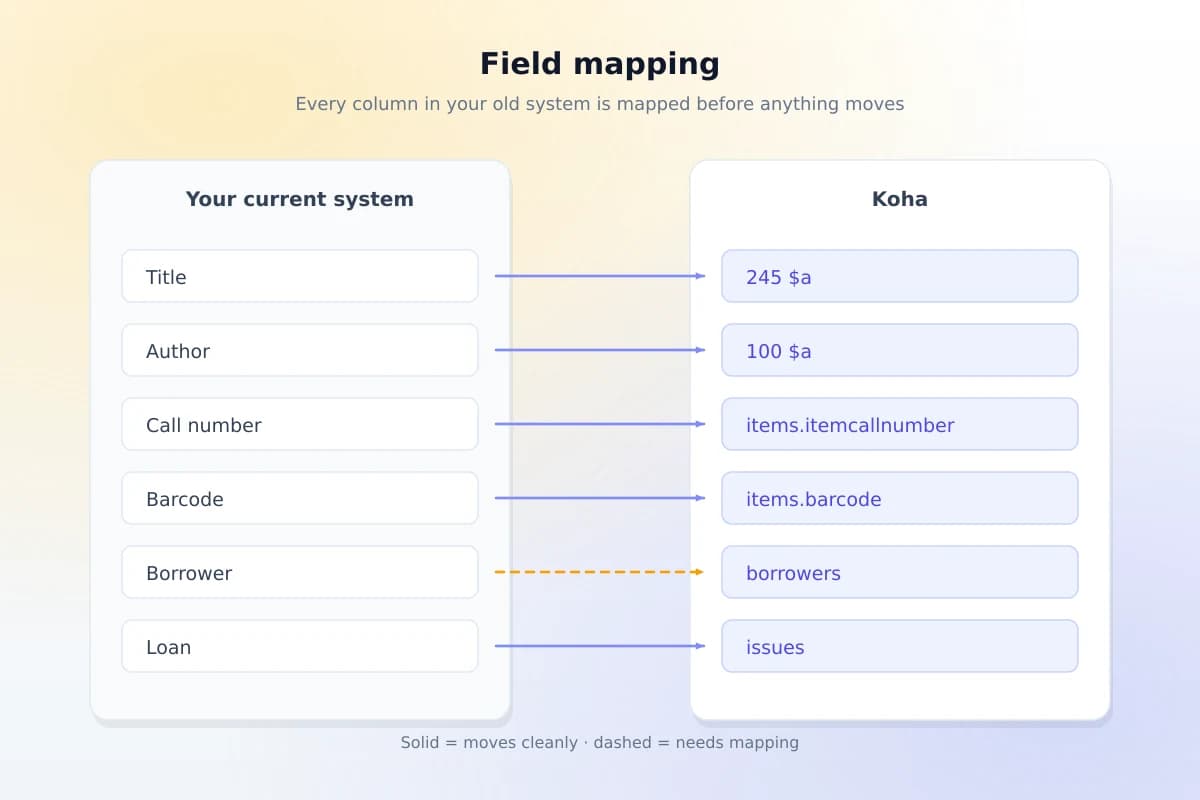
Map every field
Each column in your data gets an explicit destination in Koha. The mapping is written down and shared with you before it is applied — this is the step where a librarian catches the thing an engineer would not.
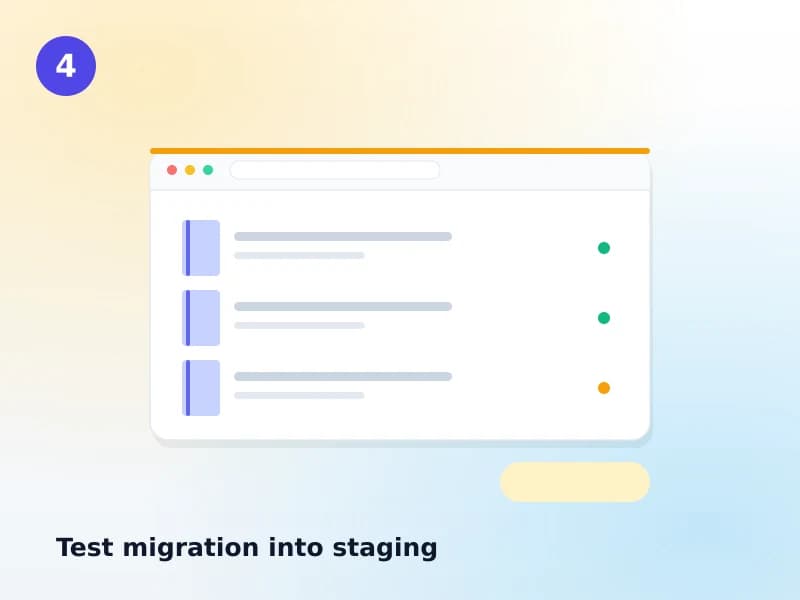
Test migration into staging
The whole dataset is loaded into a staging copy nobody depends on. You get a login and can go and look for your own difficult records — the ones you already know are strange.
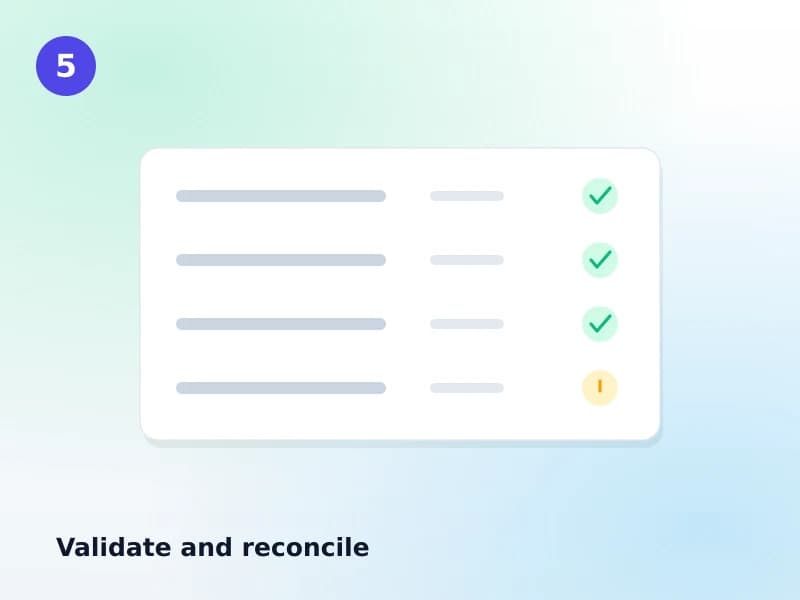
Validate and reconcile
Record counts reconciled before and after, spot checks on a sample, and edge cases deliberately tested — the record with no author, the patron with three holds, the item that is lost and also on loan.
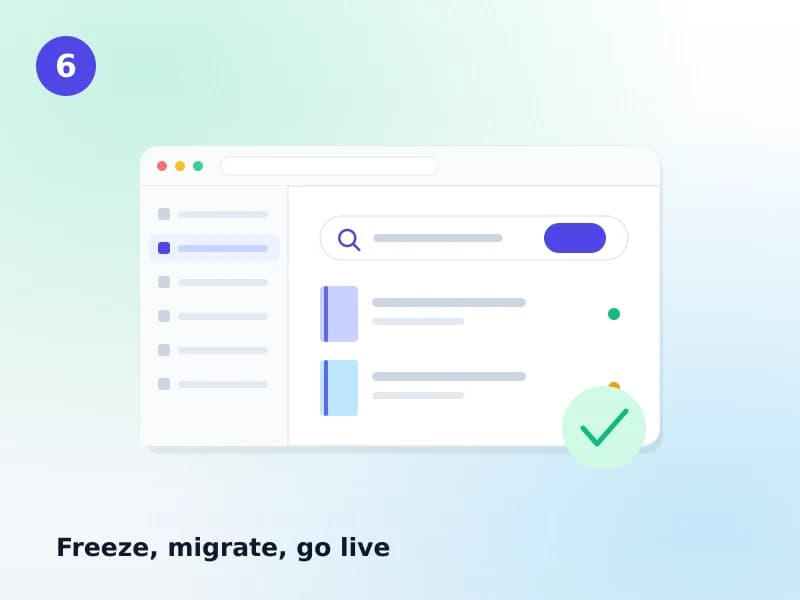
Freeze, migrate, go live
A short freeze on cataloging and circulation, the final migration run, and go-live. The freeze window is agreed in advance and is usually a weekend, not a week.
The mapping
Every column gets a destination, in writing
This is the artefact that makes a migration reviewable. You see it before it runs, and it is the step where a cataloger catches what an engineer would miss.
Validation
How we prove it worked
Four things, all of which produce something you can read rather than a reassurance you have to take on trust.
Counts reconciled both sides
Titles, items, patrons, active loans, open fines — counted in the source and counted again in Koha, with any difference explained rather than rounded away.
Spot checks on a real sample
Records pulled at random and compared field by field, plus the difficult ones you nominate yourself. You do the checking on the staging copy.
Edge cases tested deliberately
The item that is lost and on loan, the patron with a fine and a hold, the record with no author, the serial with a broken run. These are sought out, not waited for.
A written exception list
Everything that could not move cleanly, why, and what we did instead — given to you before go-live. This is the deliverable that matters most and the one competitors leave out.
Why it moves cleanly to us
The technical part, briefly
Verifiable claims only — each of these is checkable against a published standard or against Koha's own schema.
- Our data model follows Koha's own tables and column names, so records land one-to-one rather than being approximated into a different shape.
- MARC21 in both ISO 2709 and MARCXML, with matching rules, overlay and a staging area — so a bad batch is reviewed and discarded, not merged.
- Custom frameworks are preserved: if your cataloging uses local fields, those come across as local fields rather than being flattened into notes.
- Every Koha table has a mapped destination, including the ones that rarely get mentioned until they are missing.
Your old system keeps running until you say so
There is no day where you are between two systems. Yours stays live and your staff keep working in it for the whole project — every test migration runs against a copy.
The only interruption is the freeze window at the end: a short agreed period, normally a weekend, when cataloging and circulation pause so the final export is a clean snapshot. You choose when it falls. Nobody has to migrate in the middle of term.
And if the validation round says we are not ready, the freeze moves. A date is not a good enough reason to go live with data that has not passed.
Timeline
Realistic ranges
Setting this expectation early prevents the most damaging kind of disappointment. A migration is valuable precisely because it is not trivial.
| Library | Typical timeline | Notes |
|---|---|---|
| Spreadsheet or small collection (under 10,000 titles) | 2–4 weeks | Mapping is quick; cleanup sets the pace |
| Single-branch college library | 4–8 weeks | One test migration, one validation round |
| Multi-branch, another ILS | 8–14 weeks | Two test migrations is normal |
| University with several libraries | 3–6 months | Often phased library by library |
FAQ
What libraries ask before committing
How long does migration take?
Weeks, not a weekend. A small collection from a spreadsheet can be four weeks; a multi-branch university on another ILS is commonly three to six months. The variable is almost never the loading — it is the cleanup and the validation rounds.
Can we keep our existing barcodes?
Yes, and you almost always should. Your barcodes are physically on the books; re-barcoding a collection is a large project you have no reason to take on. They come across as-is.
What happens to loan and fine history?
Active loans move with their due dates intact, so nothing becomes overdue on day one. Outstanding fines move. Historic circulation moves where your current system still holds it — some purge it on a schedule, and we cannot migrate what was already deleted. We tell you which case you are in during the audit, not afterwards.
Do we have to stop lending during the migration?
Only for the freeze window at the very end, which is usually a weekend. Everything before that runs in parallel — your current system stays live and your staff keep working in it while we test against a copy.
What if our data is messy or incomplete?
It will be. Every collection we have moved has had duplicates, missing fields and at least one convention that made sense to somebody in 2007. That is normal and it is priced in. The audit tells you what is there before you commit.
Can you migrate from a spreadsheet or a card catalog?
Yes to both, and neither is embarrassing. A spreadsheet is a perfectly good source — we map the columns. A card catalog becomes a data-entry project with copy cataloging doing most of the work: for anything with an ISBN, the full record is pulled from a remote catalog rather than typed.
What if something is wrong after go-live?
You get a documented exception list of anything that could not be moved cleanly, handed to you rather than discovered later. Beyond that, the weeks after go-live are when real use finds the last few oddities, and fixing them is part of the engagement — not a new quote.
Related reading
The longer version
The Koha data migration guide
What moves, what does not, and how to prepare your data — the long version of this page.
Read the guideMARC21 in Koha
Fields, subfields and frameworks — why records move cleanly between systems that both speak it.
Read the guideKoha vs other library systems
If you are still deciding whether to move at all, start here instead.
Read the guideOther services
Get a quote
Get a migration quote
Tell us what you are on now and roughly how much is in it. The audit is where the real estimate comes from, but we can give you a range from a short description.