

Support
Koha Support & Maintenance — Someone to Call Before It Breaks
Upgrades, backups, monitoring and a person who answers — so your catalog is somebody's job.

Something broken right now? Tell us what stopped working and we will look at it — you do not need to be an existing customer.
Email us nowThe failures we are called about
None of these produce an error message
That is what makes support a product rather than an insurance policy. Every one of these ran quietly wrong for months before anybody noticed.
“Fines stopped calculating three months ago and nobody noticed.”
“Overdue notices go to spam.”
“We’re four versions behind and afraid to upgrade.”
“Backups run — we think. Nobody has ever restored one.”
“The only person who understood it has left.”
Scope
What support covers
The same list on every level. What changes between levels is how fast we respond and how much is included rather than quoted.
- Koha version upgradesTested on a copy of your data before they reach you
- Backup monitoring and periodic restore testsNot just “backups run”
- Email deliverabilitySPF, DKIM, bounce handling
- Notice template fixes and additions
- Scheduled jobs verifiedFines, overdues, holds queue, message queue
- Security patching and TLS renewal
- Z39.50 and SRU target maintenance
- Report writing and troubleshooting
- Staff questions answeredBy someone who knows your configuration
Levels
Koha annual maintenance (AMC) — three levels, no price list
What a library actually needs varies more than any published tier could capture, so the quote follows a conversation. What is fixed is what each level includes.
Essential
A single-branch library with a working system and no in-house technical staff.
- Security patching and TLS renewal
- Backup monitoring
- Koha version upgrades once a year
- Email support, next business day target
Managed
The common choice. A library that wants the system to be somebody’s job.
- Everything in Essential
- Scheduled jobs verified — fines, overdues, holds
- Periodic restore tests, results sent to you
- Notice template changes included
- Priority response during your working hours
Managed +
Multi-branch or university libraries where an outage stops a service desk.
- Everything in Managed
- Named contact who knows your configuration
- Report writing and custom queries included
- Upgrade scheduling around your term dates
- Fastest response target, agreed in writing
Response targets are agreed in writing for your library rather than published as a number. A commitment we cannot keep is worth less than one we can.
Proactive, not a ticket queue
You should hear it from us first
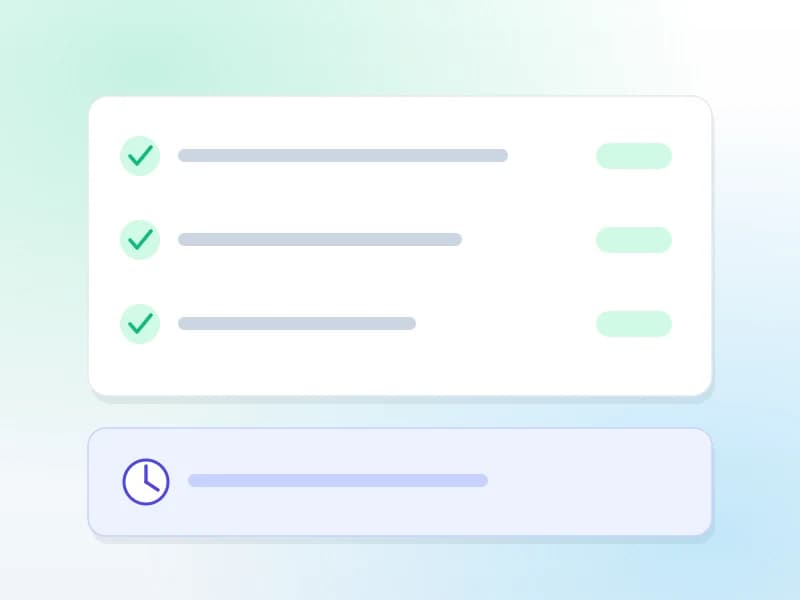
A ticket queue waits for you to notice. The failures that actually hurt a library are the ones nobody notices — so we go and check.
The jobs ran
Fines accrued, overdues went out, the holds queue moved. Verified, not assumed.
The backup restores
Periodically restored to a scratch environment and checked. A backup nobody has restored is a hypothesis.
The notices arrive
Delivery monitored, not just sending. A notice in a spam folder is a notice that did not happen.
Takeover
We can support a Koha we didn’t install
You do not have to start again, and you do not have to explain how it got this way.
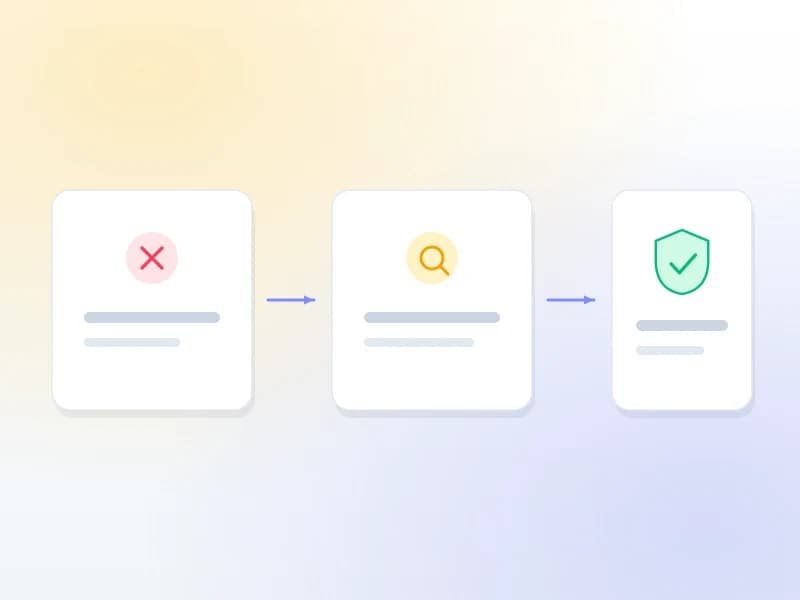
- 1
Audit
What version, what is configured, what is broken, what the backups actually contain. Nothing is changed at this stage.
- 2
Document
Written up so your institution owns the knowledge rather than one person — or nobody.
- 3
Fix what’s broken
The immediate faults first: notices, jobs, backups, certificates. Usually the shortest part.
- 4
Then maintain
It moves onto a support level and stops being an emergency.
Or let us host it
On Koha Cloud, all of this is just how it runs
Hosting with us is not a condition of being supported. But if there is no server of yours involved, most of the list above stops being a service you buy and starts being a property of the thing.
FAQ
What libraries ask us
Do you support Koha installations you didn't set up?
Yes — it is a large part of what we do. We start with an audit of what you have, write up what is configured and what is broken, fix the immediate problems, and then maintain it. You are not required to rebuild anything first.
Which parts of Koha do you support?
All of it. Cataloging and MARC frameworks, circulation and loan rules, holds, fines and accounting, patrons and categories, acquisitions and funds, serials, reports, authorities, course reserves, interlibrary loans, the OPAC, Z39.50 and SRU copy cataloging, batch import and export, and the scheduled jobs behind all of it. Data migration is the one piece with a page of its own, because it is a project rather than a maintenance task — but if the problem is in a Koha module, it is in scope, and you do not have to work out which module it belongs to before you write to us.
What is your response time?
It depends on the level and is agreed in writing rather than advertised as a number we might miss. As a guide: next business day on Essential, priority within your working hours on Managed, and an agreed target on Managed +. Something that has stopped circulation is treated as urgent on every level.
Do you need access to our server?
For a system we host, no — it is already ours to maintain. For a system you host we need an account we can reach it with. That account is named rather than shared, scoped to what the work needs, used over a key rather than a password, and revoked when the engagement ends. We will document exactly what was granted and put it in writing before anyone connects, and your team can revoke it at any moment without asking us.
Can you help if we’re several versions behind?
Yes. Being behind is normal and it is usually fear rather than difficulty that caused it. We take a copy, run the upgrade against that first, work through whatever breaks, and only then schedule the real one — typically outside your term time.
Is support included with Koha Cloud?
On Koha Cloud everything on the list above is simply how the service runs — there is no separate support contract to buy, because there is no server for you to maintain in the first place.
What if we want to move to our own hosting later?
Then you move. You get a full export — MARC21 for the bibliographic records, CSV for patrons, holdings, circulation history and fines — and we will help hand it over. Nothing in the arrangement is designed to make leaving hard.
How access works
Named account, not a shared one. Key-based, scoped to the work, documented before anyone connects, revocable by you at any time without asking us.
Leaving is a supported operation
MARC21 for the records, CSV for everything else, and help handing over. No proprietary format, no exit fee.
Related reading
Or fix it yourself
These four cover most of what we are called about. If they solve it, that is a good outcome.
The Koha cron jobs nobody checks
Fines, overdues, holds — the scheduled jobs that fail silently and take months to notice.
Read the guideWhy Koha overdue notices are not sending
The five causes, in the order they are worth checking. Fix it yourself in an afternoon.
Read the guideKoha backup and restore
How to take a backup that actually restores — and how to prove yours does.
Read the guideUpgrading Koha safely
What changes between versions, what breaks, and how to test before you commit.
Read the guideOther services
Get a quote
Get a support quote
Tell us what you are running and what has been going wrong. If it is urgent, say so — we read those first.