

Audit-ready library
Library Audit Software with Tamper-Evident Records
Every book movement and every fine, payment and waiver is kept in a history that cannot be quietly changed. Your registers are ready when the auditor asks, and the auditor can check them for themselves.
Sound familiar?
Audit season should not take weeks
The questions an auditor asks are always the same. The answers should already be there.
“Every year the auditor asks for the accession register and stock figures, and we spend weeks putting them together.”
“The stock verification found books missing, and nobody can say when or where they were last seen.”
“A fine was lowered or a payment removed, and the system shows no trace of who did it.”
“The auditor does not trust a spreadsheet we exported, because anyone could have edited it.”
How it works
Recorded, checked, and open to your auditor
Nothing extra for your staff to do: the history is written by the same action that issues, returns or charges.
Every change is recorded as it happens
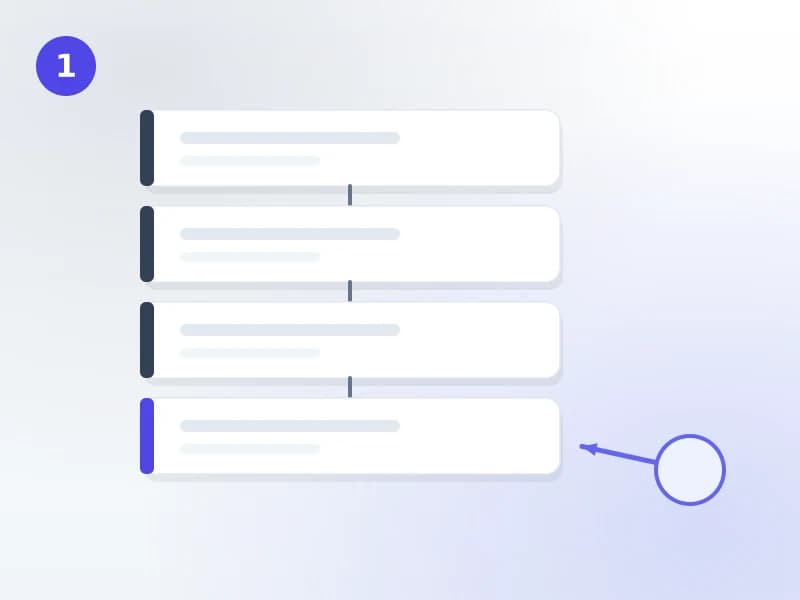
Each time a book is added, issued, returned, transferred, marked lost or withdrawn, and each time a fine is charged, paid or waived, an entry is added to the library’s history in the same step as the change itself. The entry names the staff member, the desk or system it came from, and the time.
The history is checked every day
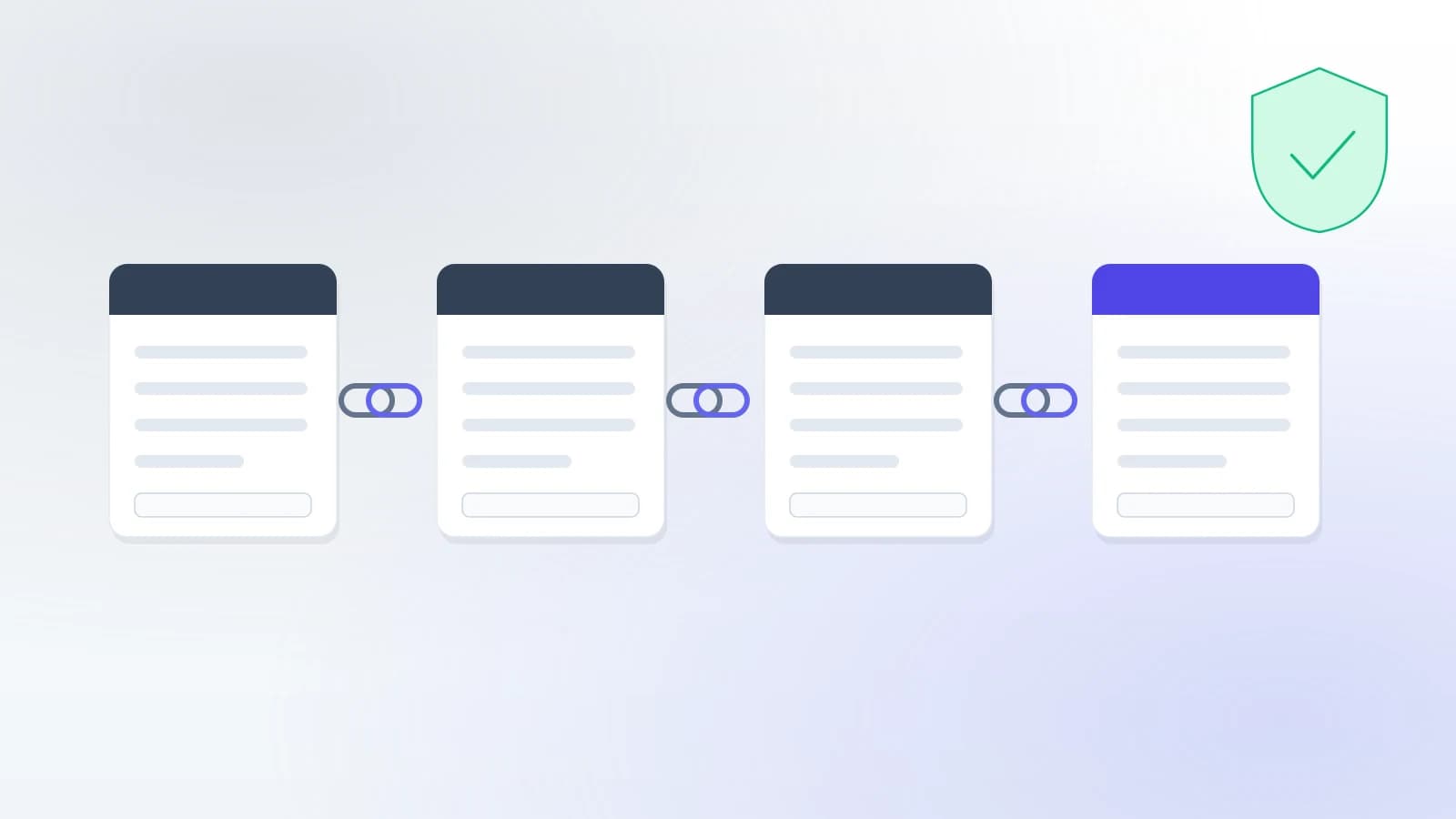
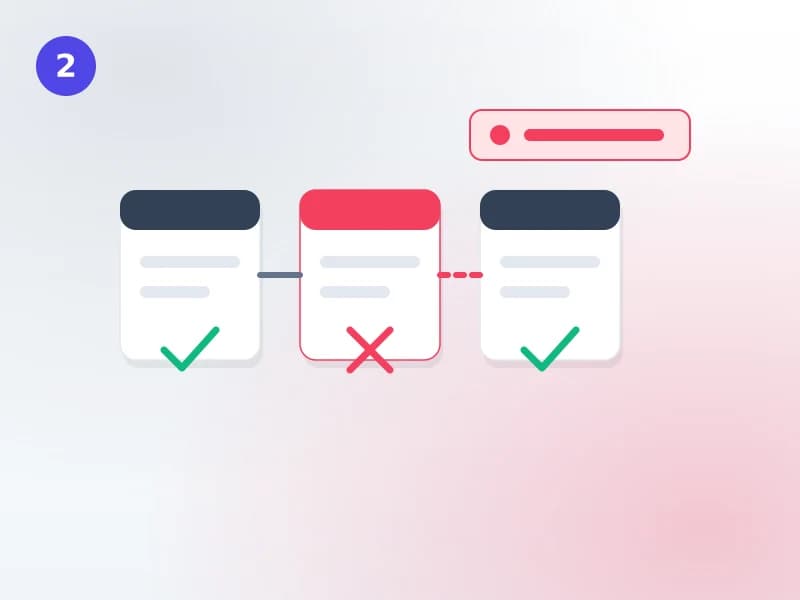
Entries are linked to each other by a cryptographic fingerprint, and the library system is not allowed to edit or delete them. A daily check recomputes the links and compares every patron’s balance with the history. A broken link or a mismatch raises an audit flag for the library.
Your auditor checks it themselves
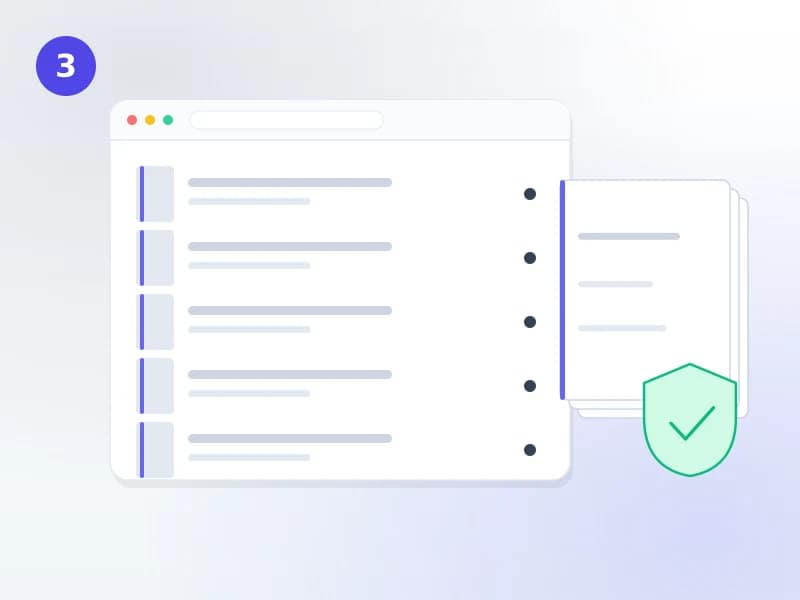
Invite the auditor to a read-only portal for the audit period. They read the registers, raise questions and observations, and download verified files whose code anyone can check on your public verify page.
Tamper-evident, said precisely
Not “nobody can change it”. Any change is detected.
We use the word that is true. A history that claims nobody can touch it is a claim an auditor will test.
In standard Koha
- An action log of cataloguing and fines changes, switched on by default.
- Its entries are ordinary database rows: one that is edited or deleted leaves no trace, and nothing checks them.
- Fine records are changed in place, so a lowered amount replaces the old one.
In Koha Cloud
- A history the library system itself cannot edit or delete.
- Each entry linked to the one before it, re-checked every day, with balances reconciled.
- A correction is a new entry; the original stays, and the auditor can see both.
What is included
Every register an auditor asks for
The history is kept for every Koha Cloud library on every plan. The audit screens below come with the audit reports option, an add-on on the Basic plan.
- Tamper-evident item historyEvery movement and status change of every copy, from accession to withdrawal
- Tamper-evident money historyEvery charge, payment, waiver, refund and cash-drawer close, with balances reconciled daily
- Audit registersAccession register, shelf list, reconciliation, issue statistics, purchase reconciliation and the staff action log
- Time MachineHoldings as they stood on any past date, and two dates compared, by branch
- Stock verificationStocktake sessions, missing items, and loss checked against the permitted limit for the year
- Deleted records and movement registersWho deleted which copies and why; every transfer between branches and whether it arrived
- Verified exports and the annual audit packEach file with its own checkable code and fingerprint
- Read-only auditor portalObservations, questions and answers in one place, closed when the audit is
Why libraries choose it
Answers in minutes, not weeks
Any copy’s full story
Scan a barcode and see every event: when it came in, who issued it, where it travelled, when it was last seen.
Holdings on any date
How many books the library held at the close of the last financial year, by branch, without a snapshot someone remembered to take.
Stock verification
Run a stocktake, review what was not found, and record what was done about each missing copy.
Loss within the limit
Confirmed loss for the year, checked against the permitted limit you set, with the formula shown.
Cash that adds up
Each cash-drawer close recorded with expected and counted cash, and the difference explained.
Files that prove themselves
Verified exports carry a code; anyone can confirm on your verify page that the file has not been edited.
Auditor portal
Read-only access for the audit period, with observations and answers kept together.
Audit readiness checklist
One screen showing whether the history checks out and what is still open before the audit.
Ask the AI assistant
Ask for the accession register, the stocktake summary or an item’s history in a sentence.
Partner libraries
Loans to and from other libraries, on the same record
Books you lend to another institution, and collections you borrow from one, show in the movement and audit registers like every other copy.
- Partners outside the systemAnother library, an institution or a visiting individual, each with its own contact and agreement reference; an expired agreement warns before you send
- Rules per partnerLoan period, shipping days counted into the due date, a fee and a deposit, the currency, and how many copies may be out at once
- Lend a set of booksSend several copies at once with a delivery note; overdue reminders go to the partner on the interval you set
- Borrow a collectionBooks a partner lends you become real copies in your catalogue until they are due back, and your patrons can borrow them
- Deposits trackedHeld, refunded, applied to a charge or forfeited, on the record with the loan
- Between Koha Cloud librariesPatrons request a book another library holds; the request is routed, lent and returned in the system
Standard Koha has an inter-library loan module for one book requested for one patron, and records a loan to another library as a checkout to a partner patron. Koha Cloud keeps that checkout and adds the partner, the agreement, the deposit and the collection around it.
FAQ
What librarians and auditors ask
Does "tamper-evident" mean nobody can ever change a record?
It means a change cannot go unnoticed. Every movement of a book and every fine, payment and waiver is added to a history that the library system itself is not allowed to edit or delete, and each entry is linked to the one before it by a cryptographic fingerprint. If anyone altered an entry directly in the database, the link would break, and the daily check would raise an audit flag. We say "tamper-evident" rather than "tamper-proof" because that is the accurate claim.
Can a staff member quietly lower a fine or delete a payment?
They can waive or correct a fine if their permissions allow it, but the waiver is recorded as a new entry with the staff member and the time. The original charge stays in the history. Each patron’s balance is also checked every day against the history, so a change made outside the system shows up as a mismatch.
How does an external auditor get access?
You invite them to a read-only auditor portal for the audit period. They see the registers, raise observations and questions, and you answer them in the same place. They cannot change anything, and their access ends when you close the audit.
How does the auditor know a report we send has not been edited?
Every register can be issued as a verified export. The file gets its own code and fingerprint, and anyone can enter the code on the library’s public verify page to confirm the file is exactly the one the system produced. The annual audit pack bundles every register for the period the same way.
Is this included in Koha Cloud?
The tamper-evident history is recorded for every Koha Cloud library from the first day, on every plan. The audit registers, Time Machine and auditor portal come with the audit reports option, which is an add-on on the Basic plan. Ask us and we include it in your quote.
What happens to the history of books we migrate in?
Migrated copies start their history on the day they are loaded, with an entry that says they came from the migration. From then on every movement is recorded. Earlier history from your old system is not rewritten as if it had been recorded here.
Get a quote
Get your library audit-ready
Tell us about your library and when your next audit is. We reply with what Koha Cloud would include for you.