

Library automation
Library Automation with Koha: From Registers to an Online Catalogue
For schools, colleges, universities and public libraries still working from registers, spreadsheets or old software. We set up Koha, bring your records in and train your staff, all online, wherever you are.
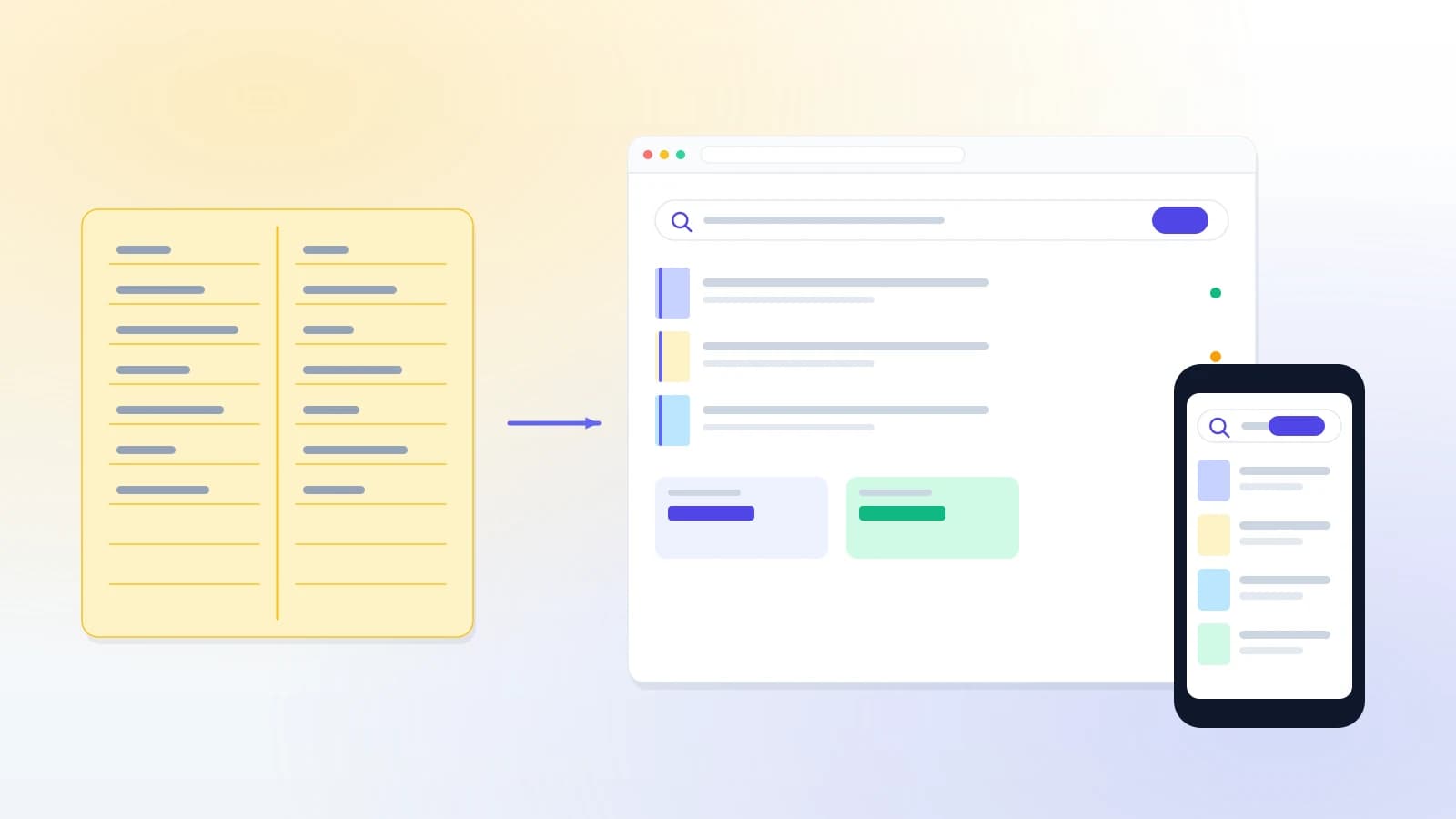
Sound familiar?
Signs your library is ready to automate
Every one of these costs staff time each day, and every one goes away with a library management system.
“Books are issued from a register, and nobody can say quickly who has which book.”
“The catalogue is an Excel file on one computer, and readers cannot search it.”
“Overdue reminders and fines are worked out by hand, so most are never sent.”
“Our old library software is no longer supported, and our records are stuck in it.”
How it works
How we automate a library
Three steps. Most of the work is in the records, and that part is ours.
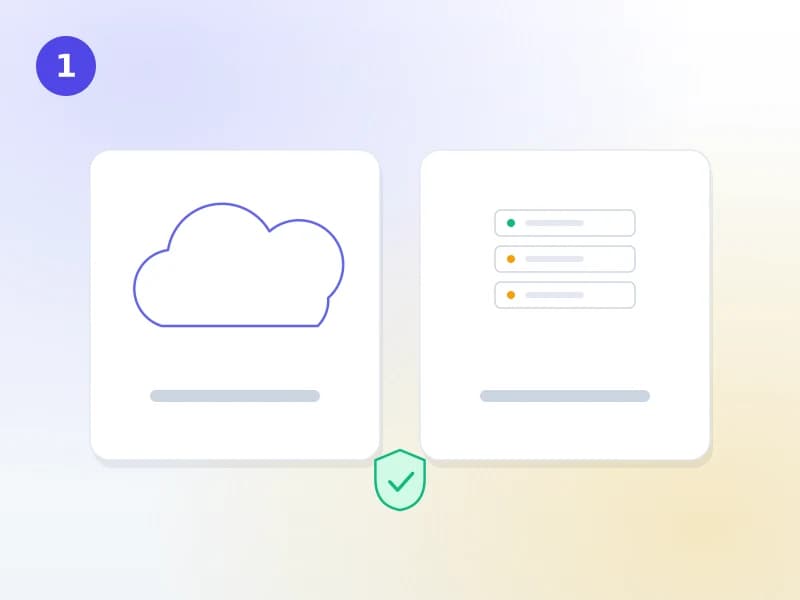
Choose how it runs
Koha Cloud, where we run the server, backups and upgrades, or Koha installed on your institution’s own server. Same Koha, same features; the difference is who looks after the machine.
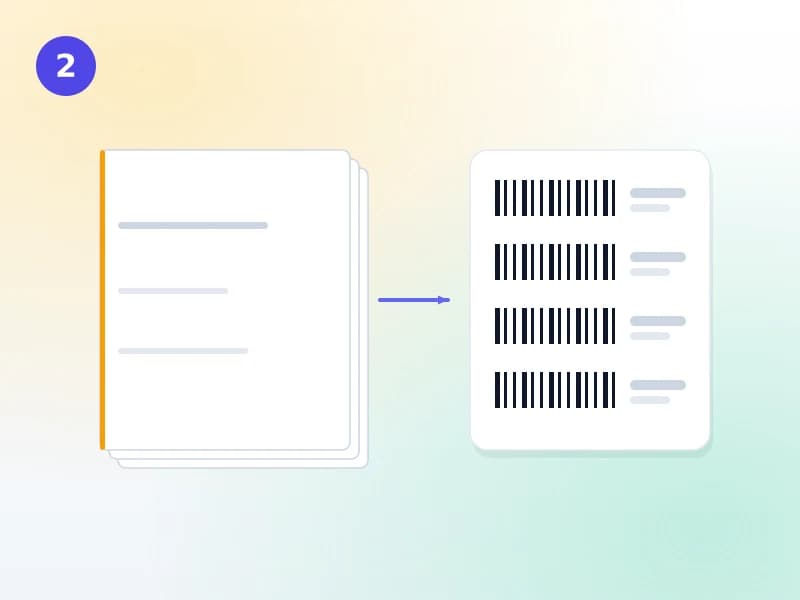
Your records come in
We convert your Excel sheets and old software into MARC21 records, download full records by ISBN where we can, and give every copy a barcode. Your staff check a sample before anything goes live.
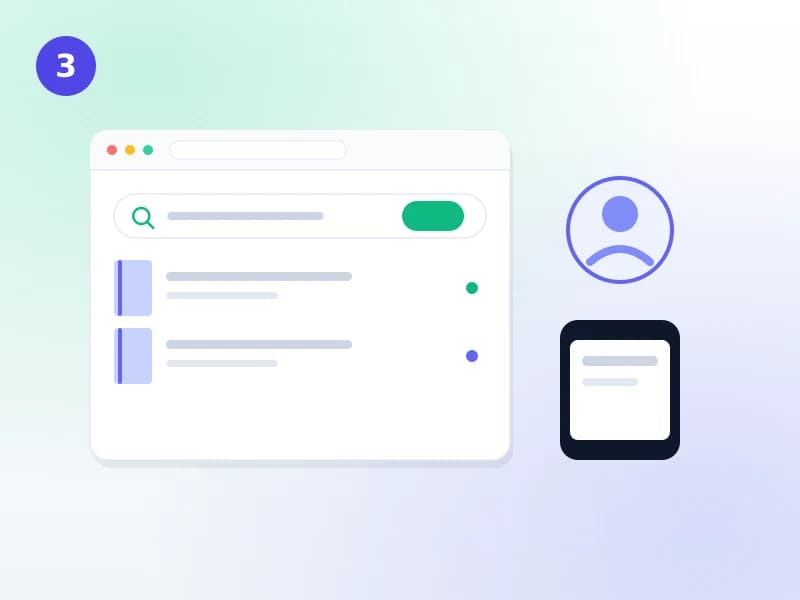
Staff trained, catalogue live
Live training for desk staff and cataloguers on your own records, then the online catalogue opens to readers, on their phones as well as campus PCs.
What you get
What an automated library can do
Koha is a complete library management system, used by tens of thousands of libraries around the world.
- Online catalogue (OPAC)Readers search by title, author, subject or ISBN, from any device
- Issue and return by barcodeDue dates set automatically from your loan rules
- PatronsStudent and staff categories, cards, borrowing limits
- Fines and remindersOverdue fines calculated and email reminders sent on schedule
- CataloguingMARC21 records, Z39.50 copy cataloguing, spine labels
- Acquisitions and serialsOrders, budgets, journals and subscriptions
- ReportsCollection, circulation and member reports for management
- BackupsAutomated, with a full copy of your data available to you
Your choice
Pick the help you need
Take one, or all four. Each links to the service that does it.
On your own server
We install and configure Koha on your institution’s server, with tested backups.
Koha installation servicesRecords brought in
Registers, Excel and old library software converted to Koha and checked.
Koha data migrationOr start with the catalogue
Not ready to automate? Put your book list online first, so patrons can search it, and keep working as you do.
Online library catalogueStaff trained
Live sessions for your team on your own Koha, in your working hours.
Koha staff trainingWhy Koha
Why we automate libraries with Koha
A catalogue readers use
Search that works like the web, with covers, availability and holds.
On every phone
Readers check what is on the shelf and what they owe from their own phones.
Reminders that go out
Due-date and overdue notices are sent on schedule, without anyone remembering to.
Reports in a click
Stock, issues and members counted for management and accreditation visits.
International standards
MARC21 and Z39.50, so records can be shared and never get locked in.
No licence fee
Koha is open-source. You pay for the work and the hosting, not for the software.
FAQ
What libraries ask before they automate
What is library automation?
Library automation means moving a library’s work from paper registers and spreadsheets onto a library management system: an online catalogue readers can search, barcoded issue and return, automatic due dates, fines and reminders, and reports at the click of a button.
Which library automation software should we use?
We recommend Koha. It is free, open-source software used by tens of thousands of libraries worldwide, it follows the international MARC21 cataloguing standard, and because nobody owns it your data never gets locked in to one company. We install it, host it, or support the copy you run.
Do we need our own server or IT staff?
No. With Koha Cloud we run the server, the backups and the upgrades, and your staff only need a browser. If your institution prefers its own server, we install Koha on it and can support it afterwards.
How long does it take to automate a library?
Most of the time goes into the records, not the software. A library whose records are already in a spreadsheet or another system can usually be live within a few weeks. Paper registers take longer, because each record has to be keyed in once; downloading records by ISBN shortens that a great deal.
How much does it cost?
Koha itself has no licence fee. Koha Cloud's Basic plan, which includes hosting and training, has a published price with the first three months free. Installation on your own server and data migration are quoted, because they depend on your records.
Related reading
Background reading
What is Koha?
The open-source library system, explained in plain words.
Read the guideKoha for schools
What a school library actually needs from a library system.
Read the guideWhat a Koha installation costs
Self-hosted or hosted, and where the money really goes.
Read the guideWhere we work
Our services
Get a quote
Tell us about your library
How you keep records today and roughly how many books you have. We will reply with a plan and a quote.