

Membership plans
Library Membership Management Software
Sell as many membership plans as your library offers, from a one-month study pass to a yearly borrowing membership. Freezes, grace days, renewals and income reports are built in.

Sound familiar?
Your library sells memberships. Your system does not.
Study libraries, reading rooms, subscription and private libraries all sell more than one kind of membership.
“We sell monthly, quarterly and yearly memberships, and keep track of them in a notebook.”
“Our library system allows one fee and one period per patron type, so every other plan is handled by hand.”
“We cannot tell who has expired, who has not paid, or how much membership earned this month.”
“Members travel or fall ill and ask us to pause their membership, and there is no way to record it.”
How it works
Plans, sales and every period kept
Set up once, then selling a membership takes a few seconds at the desk.
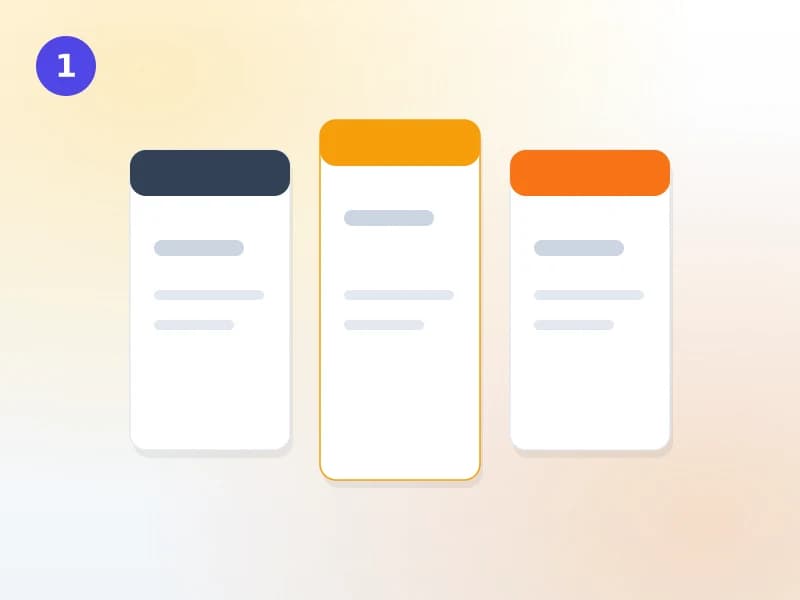
Create your plans
Make as many plans as you sell: one month, three months, a year, an exam season, a weekend pass. Each has its own price, length, grace days and freeze allowance, can be limited to one branch, and can include borrowing or be study-only.
Sell a plan at the desk
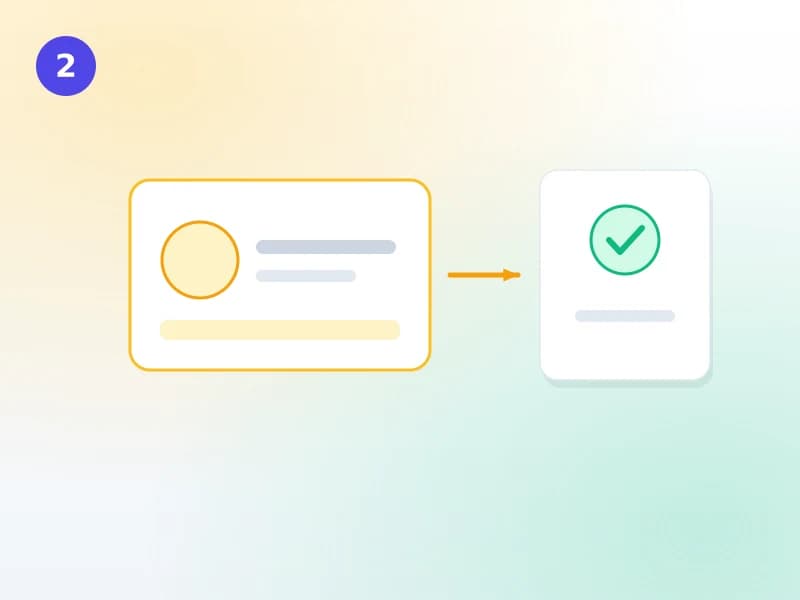
Staff pick the member and the plan, apply a discount if you allow one, and the charge goes on the member’s account. You choose whether a plan starts straight away or only once it is paid. An early renewal starts the day the current period ends.
Track every period
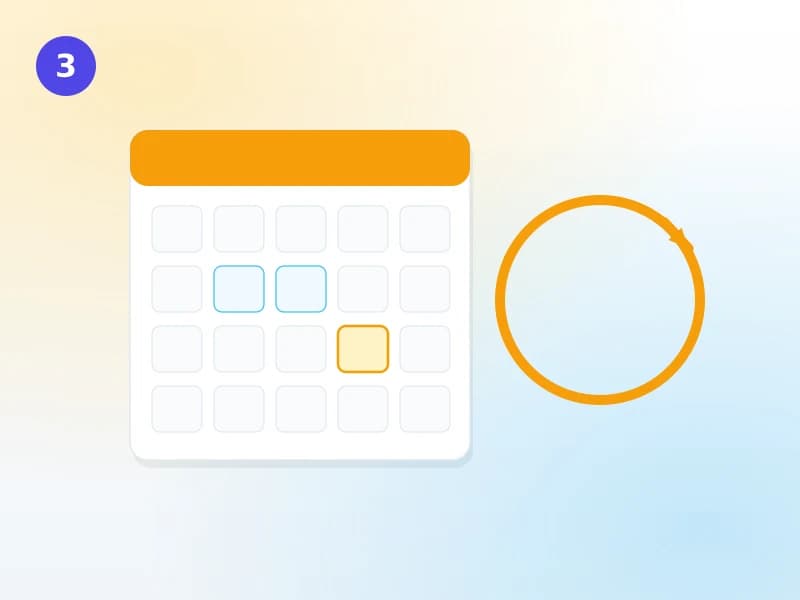
Each period a member buys is kept with the plan’s name, length and price at the time. Freezes move the end date on, grace days keep a lapsed member welcome for a few days, and the reports show who is active, expiring, lapsed or unpaid.
In standard Koha
A patron category carries one enrolment period and one enrolment fee. A library that sells several plans creates a category for each, or tracks the rest outside the system. Renewing extends the card from the category’s rules, and the fee appears as a line on the patron’s account; there is no plan to choose, no freeze and no grace period.
In Koha Cloud
Any number of plans per category, each with its own price, length and rules. Every period sold is kept with its own dates and price, so renewals, freezes, unpaid fees and income are all on record.
Reports
Know where your memberships stand
Nine membership reports, alongside your fines and payments.
- Active membersWho holds a current membership, by plan and branch
- Expiring and lapsedWho ends soon, and who has already lapsed and not renewed
- UnpaidMemberships sold and not yet paid
- Collections and earned incomeWhat was collected, and what was earned over the period
- Plan mixWhich plans sell, new members against renewals
- RetentionHow many members come back for another period
- Use against paidDays each member paid for against the days they actually came through the gate, and what each visit cost them
What you can set
Plans that match how you actually sell
Any length
Days, weeks, months or years, priced however you like.
Study-only plans
Admit members to read and study without including borrowing; the checkout is refused.
Freeze
Let a plan be paused for up to the days you allow; the end date moves on.
Grace days
Up to 30 days after expiry, with or without borrowing.
Branch plans
A plan valid at one branch only, or at every branch.
Discounts
Staff can sell below list price; the discount is recorded.
Price history kept
Changing a plan’s price never rewrites what members already paid.
On your catalogue
Members see their membership and your plans online, and can ask to renew.
Expiry reminders
An optional reminder before a member’s card expires.
FAQ
What libraries ask about memberships
How is this different from patron categories in Koha?
In Koha, a patron category carries one enrolment period and one fee. Here a category can have as many plans as you like, such as one month, three months or a year, each with its own price, rules and branch. A patron buys a plan, and each period they buy is kept as its own record.
Can we sell study-only memberships?
Yes. A plan can admit the member to the library without including borrowing. Staff see the study-only status at the desk, and the checkout is refused, so a study-only member cannot take a book home by mistake.
Can a member pause their membership?
If the plan allows it. You set the most days a plan can be frozen, and a freeze moves the end date on by the days it lasted. You can also give a plan grace days after it ends.
Can patrons buy or renew online?
Patrons see their membership and the plans you choose to show on your public catalogue, and can ask to renew from there. The request reaches your staff, who complete the sale at the desk. Paying online on the catalogue is not available yet.
If we change a plan’s price, what happens to existing members?
Nothing. Every membership records the plan name, length and price at the time it was sold, so a later change never rewrites what someone paid. Your income reports stay correct.
Get a quote
Set up your membership plans
Tell us which memberships you sell today and roughly how many members you have. We reply with how we would set them up.