

Visitor management
Library Visitor Management System and Gate Register
Members and walk-in visitors check in and out at the entrance. You see who is inside, how long they stay, and which hours and days are busiest, without a paper register.
Sound familiar?
The register at the door holds answers nobody can read
Every library counts its visitors. Very few can say what the count means.
“Visitors sign a paper register at the door, and nobody ever adds it up.”
“The management asks how many students use the library, and we can only guess.”
“We do not know our busiest hours, so the desk is short-staffed exactly when it is full.”
“The reading room fills up and we find out only when there are no seats left.”
How it works
In at the door, out at the door, and the numbers in between
A scanner at a desk by the entrance is all it needs.
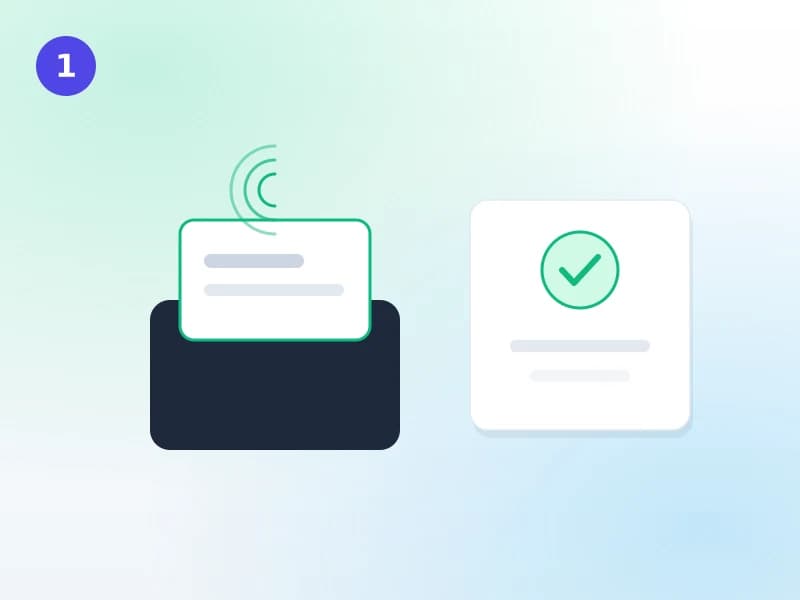
Scan in at the entrance
A member scans their card at a desk by the door, or staff find them by name. A walk-in visitor is recorded with a name, an ID number if you ask for one, the type of visitor and the purpose of the visit. Any alert staff set on a member, such as a card not returned, shows at the door as well as at the issue desk.
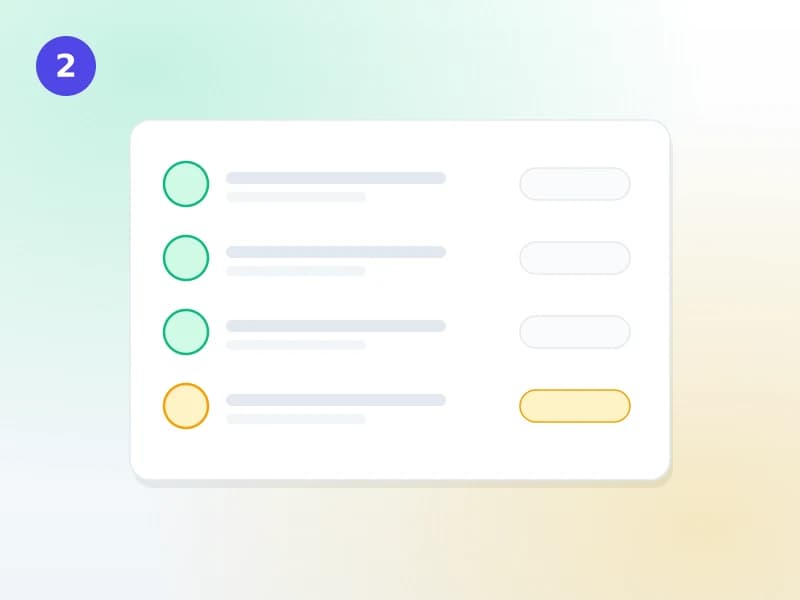
See who is inside right now
The gate screen lists everyone currently in the library and marks long stays. Scanning again on the way out closes the visit and records the time spent. Visits still open at closing time are closed for you, and kept out of the time-spent figures.
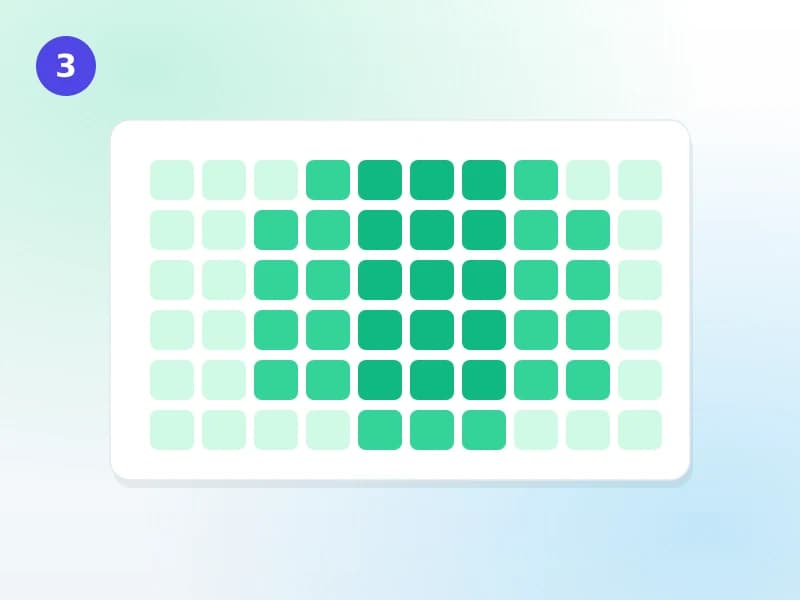
Read the trends
Footfall by day, week or month compared with the previous period, the busiest hours of each weekday, how long people stay, which categories, branches and purposes bring them in, and your most regular visitors. Every report can be exported.
Not in standard Koha
Koha has no gate register at all
Standard Koha records loans, not visits. A library running it keeps a paper register or a separate system at the door. In Koha Cloud the gate is part of the same system as your patrons, so a visit is tied to the member, their category and their branch.
Reports
Ten reports on how your library is used
Filter any of them by date range, branch, member or walk-in, and category.
- OverviewVisits, unique visitors, median stay, busiest day and hour for any period
- FootfallVisits by day, week or month, compared with the previous period
- Peak hoursA weekday by hour map of arrivals or of people inside
- Time spentHow long people stay, as a median and a spread, by category or branch
- Top visitorsYour most regular members over the period
- Walk-insNon-member visitors, by type and purpose
- Purpose of visitStudy, borrowing, reference, events and whatever purposes you define
- Categories and branchesVisits by patron category and by branch
- Data qualityHow visits were opened and closed, including how many were closed automatically
At the door
Built for a busy entrance
Members and walk-ins
Members by card or name; visitors by name, ID, type and purpose.
Time spent
Recorded from scan-in to scan-out, with forgotten scan-outs kept out of the figures.
Peak hours
See the busiest hour of each weekday and staff the desk for it.
Reading-room capacity
Set how many people a room holds; warn at 90%, or refuse entry when full.
Alerts at the door
The same staff alerts as the issue desk, shown the moment a card is scanned.
No double counting
A second scan of the same card within a short window is ignored.
Compare periods
This month against last month, this term against the last one.
Privacy you control
Names removed after the period you choose; the counts stay.
Export anything
Every report downloads for your annual report or management meeting.
FAQ
What libraries ask about the gate
Do we need special gate hardware?
No. Any barcode or card scanner that types into a computer works, at a desk by the entrance. Staff can also find a member by name, and record a walk-in visitor by hand. A second scan of the same card within a short window is ignored, so a scanner that double-reads does not count a visit twice.
Can visitors who are not members be recorded?
Yes. A walk-in is recorded with a name, an ID number if you ask for one, the type of visitor and the purpose of the visit. Walk-ins have their own report, and they are counted in footfall and peak hours alongside members.
What if people forget to scan out?
Visits still open at closing time are closed automatically. Those visits are left out of every time-spent figure, so a forgotten scan-out does not make the average stay look like ten hours. The data-quality report shows how many visits were closed this way.
Can the gate stop people when the reading room is full?
You can set how many people a reading room holds at once. The gate warns at 90% and, if you choose, refuses entry at 100%. You can also choose whether an expired card is turned away at the gate; by default the gate counts people rather than refusing them.
What about visitors’ privacy?
You decide how long names are kept. After the period you set, visits are anonymised: the counts, times and categories stay for your reports, and the names are removed.
Get a quote
Replace your gate register
Tell us how many entrances and reading rooms you have and roughly how many visitors a day. We reply with how we would set it up.